✨
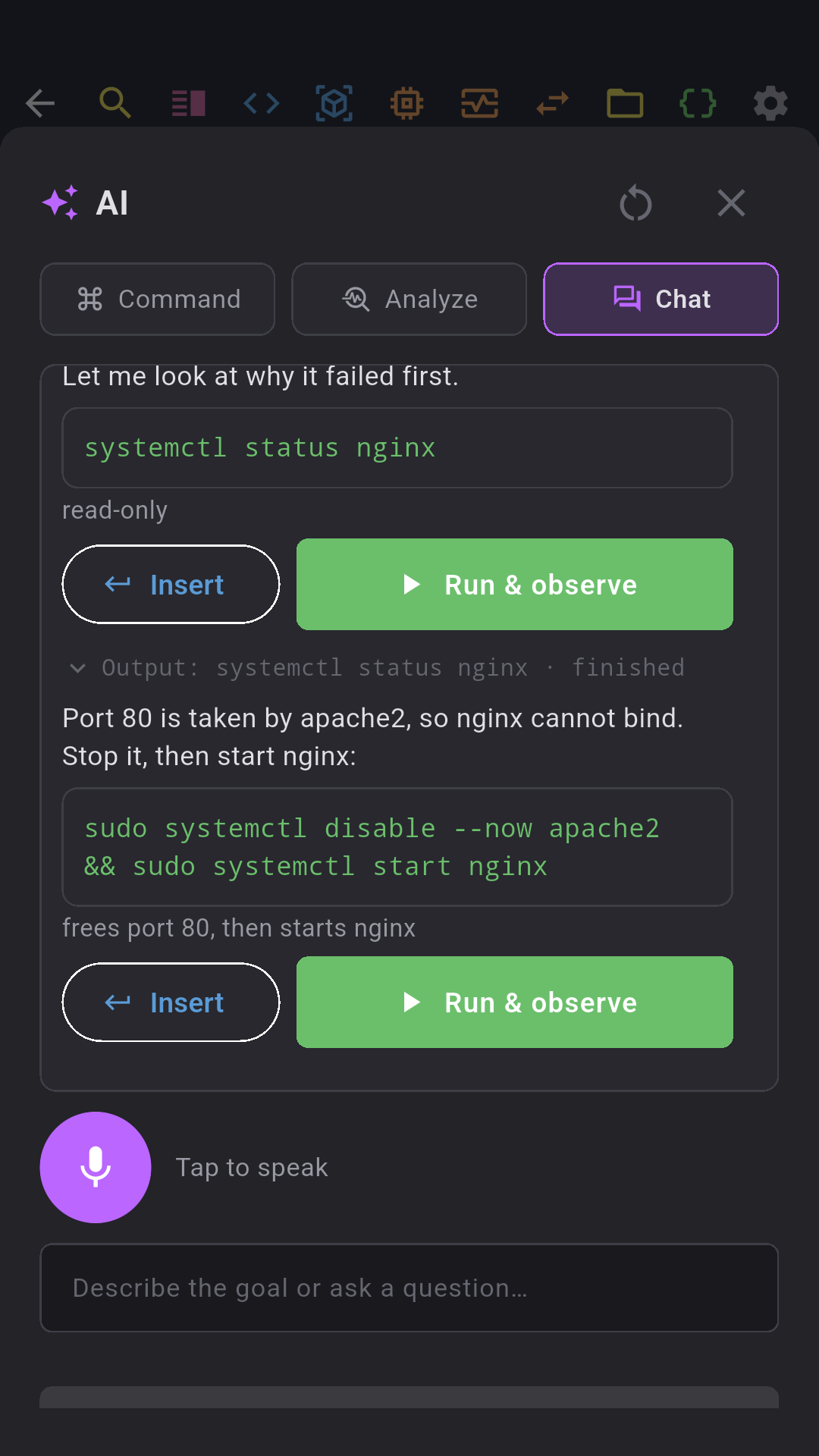
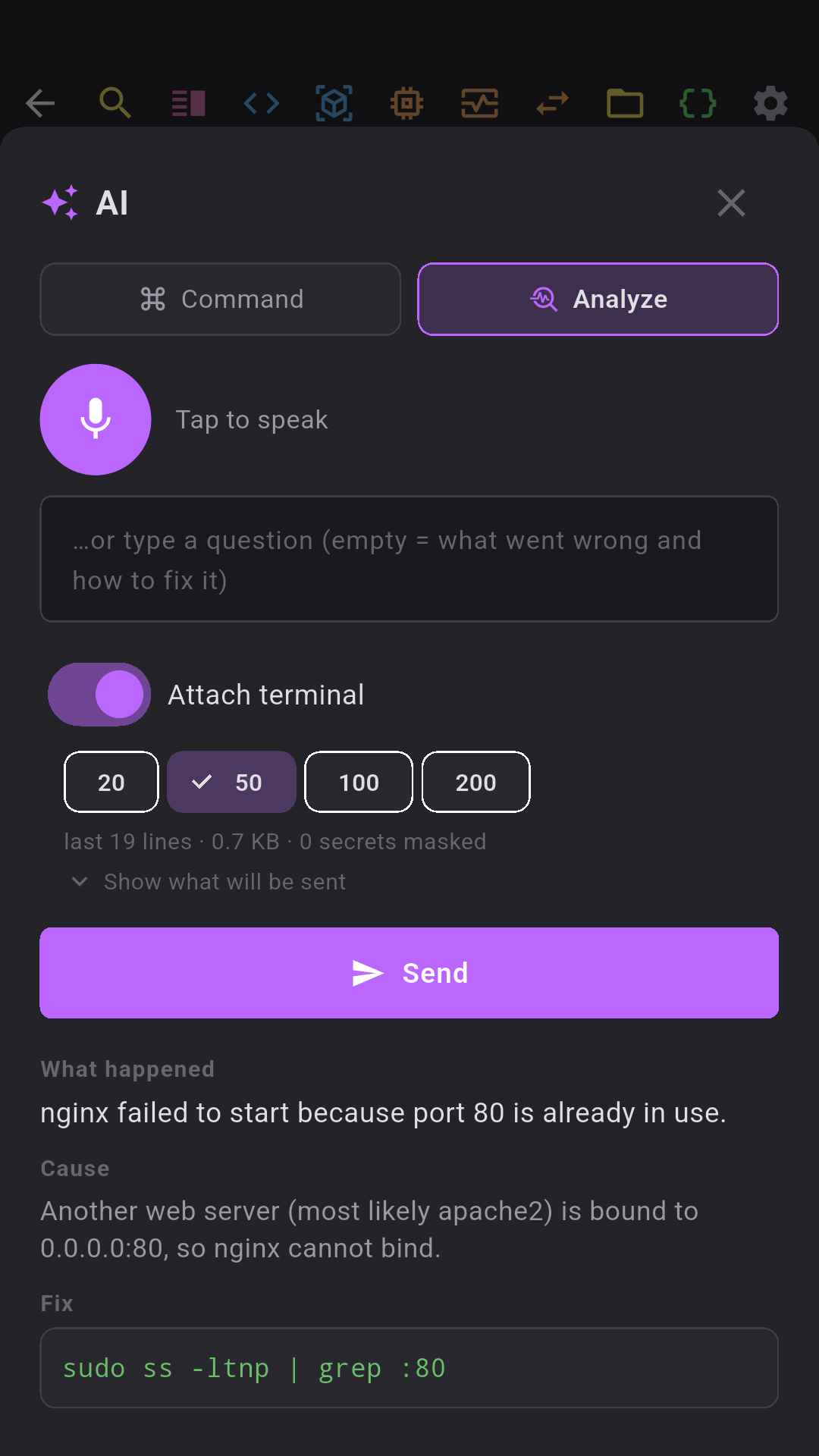
AI terminal — chat, analyze, command
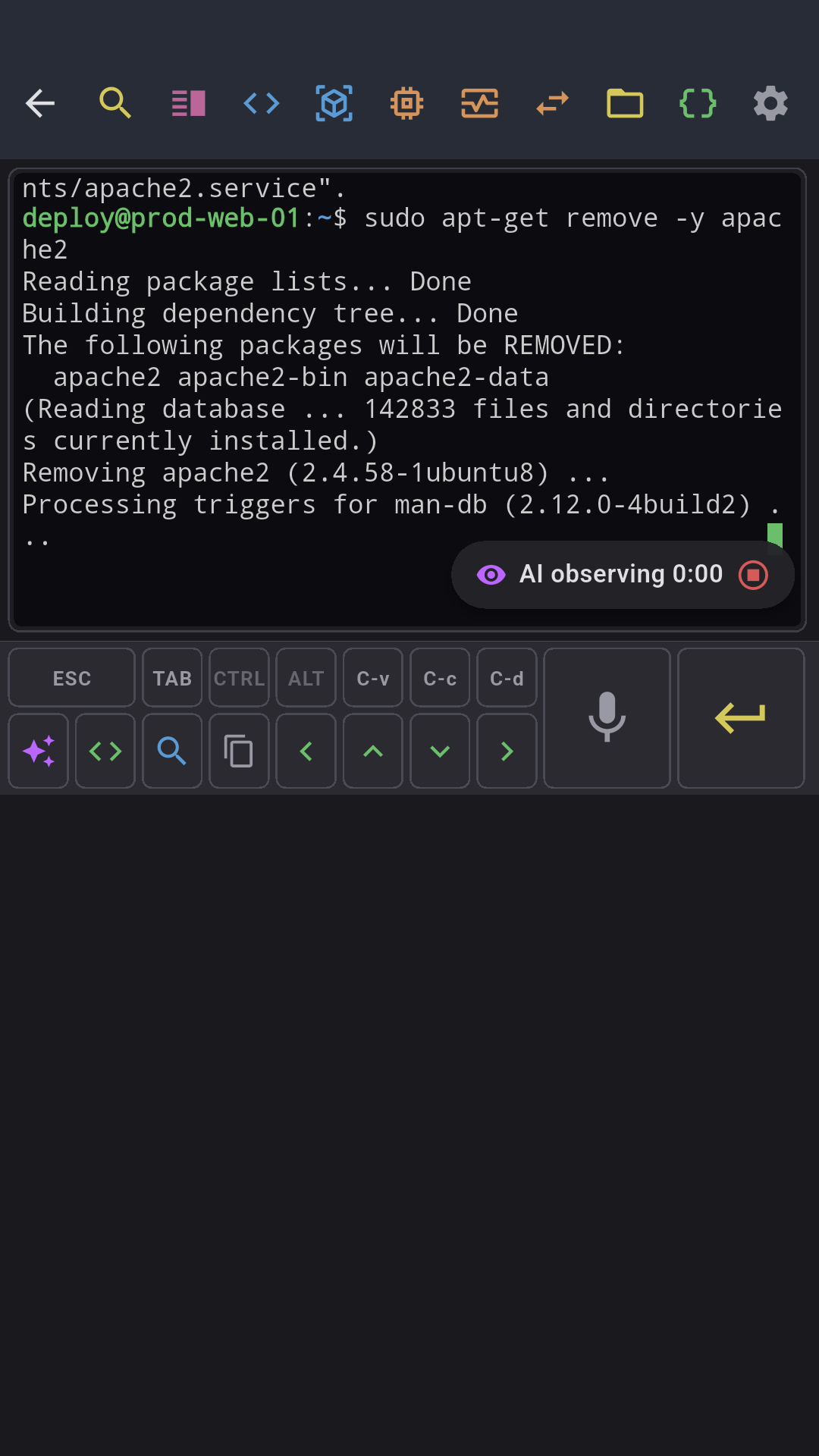
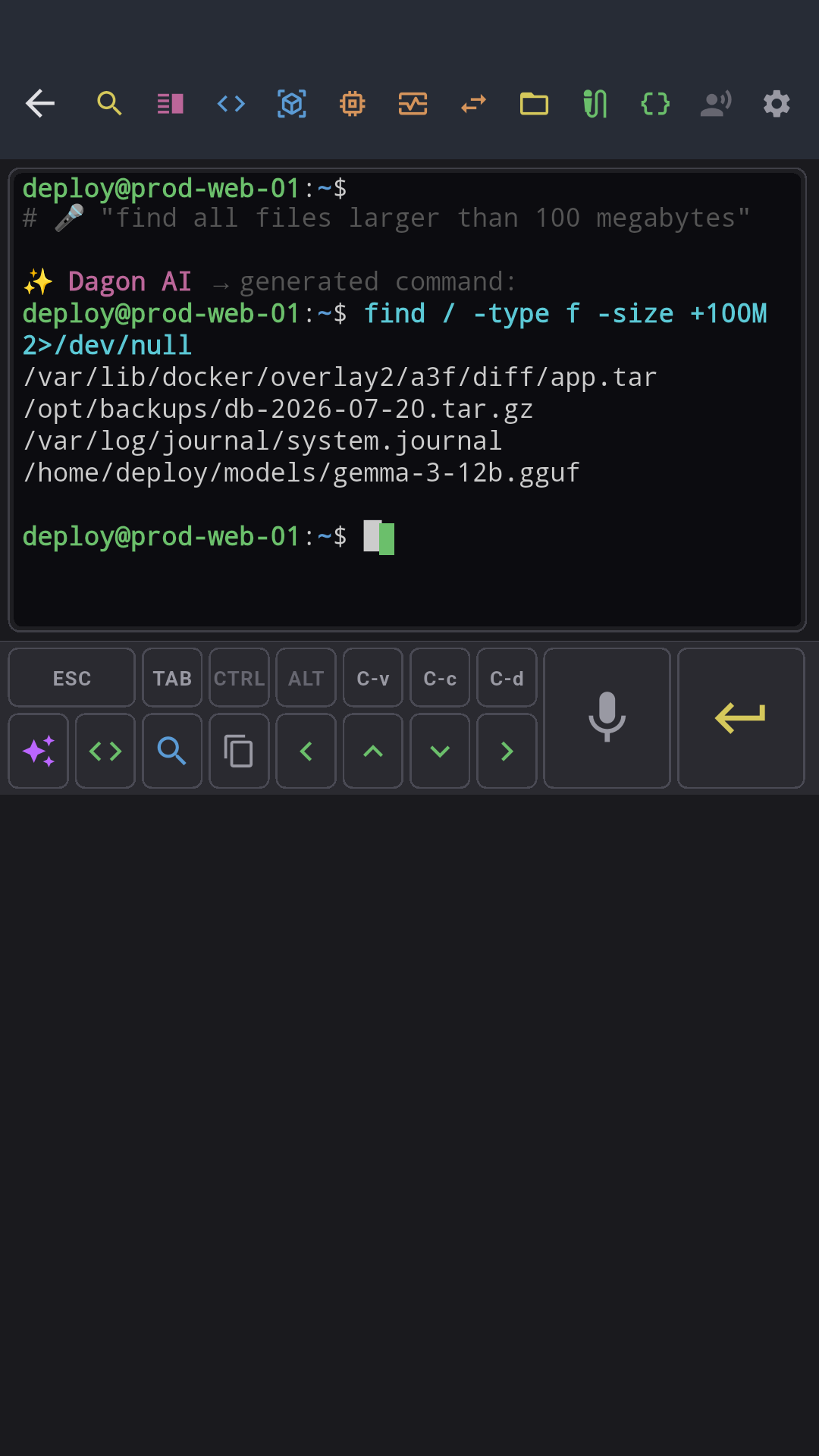
An AI agent over your SSH session: describe the goal, approve each command with Run & observe, and it reads the output and continues. Diagnose failures from the last lines of the terminal, or speak a request and get the shell line. Human-in-the-loop by design — nothing runs without your tap.
⌨
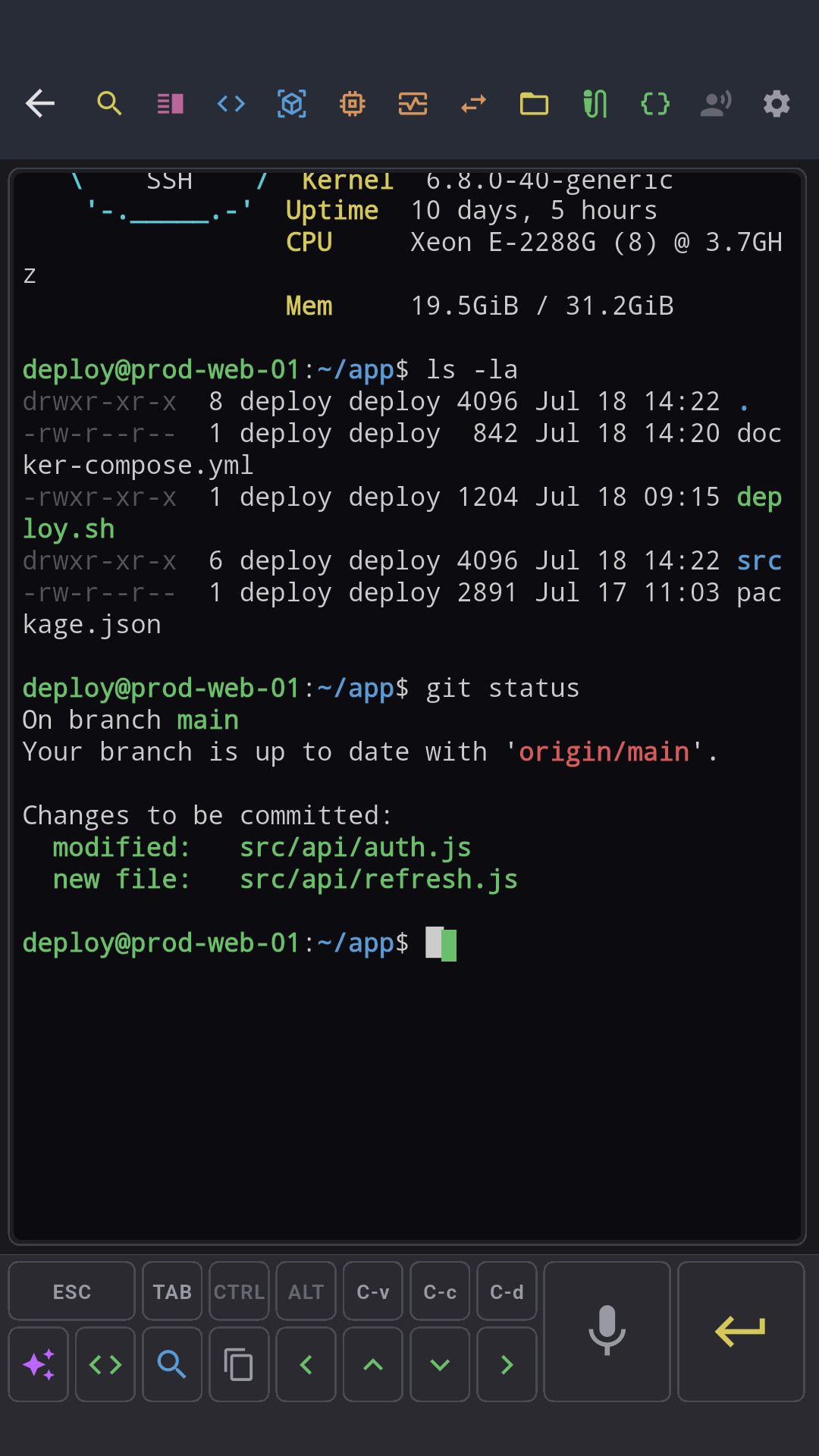
Terminal SSH
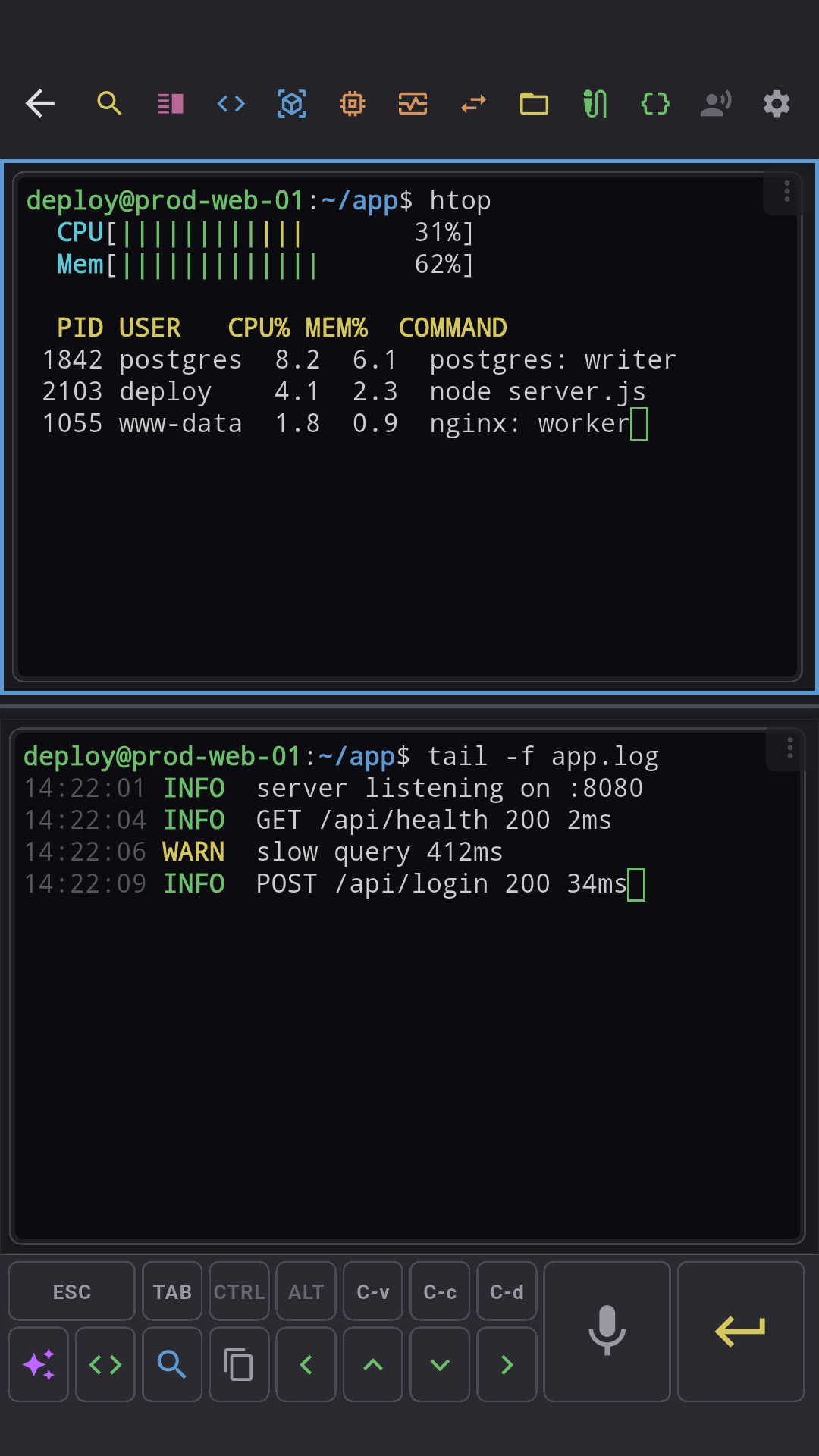
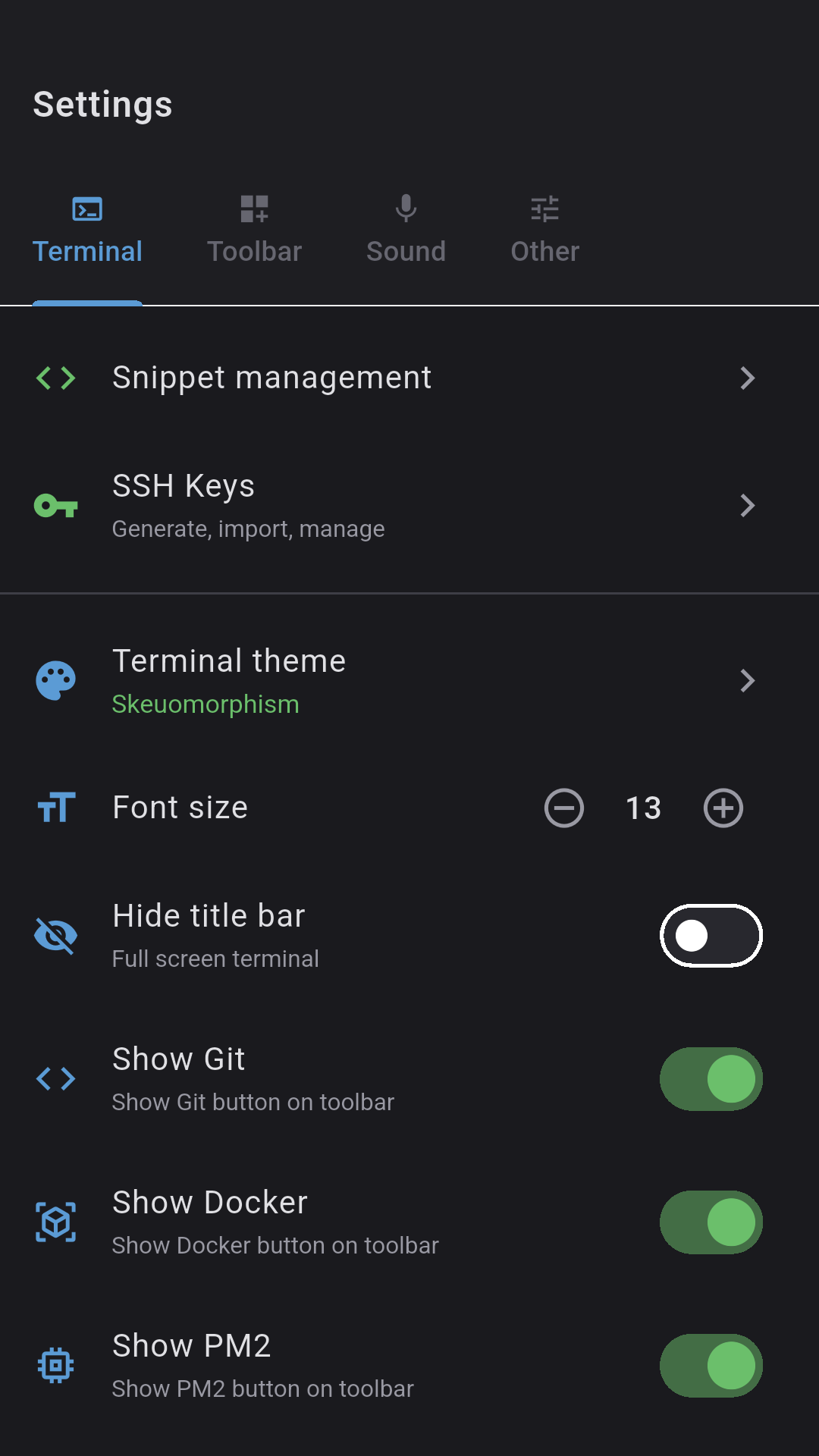
Full xterm-256color with 10,000 lines of scrollback. Split panes in a binary tree (tmux-style), pinch-to-zoom 6-28pt, clickable URLs, highlighted search, copy mode, swipe between sessions.
- Auto-reconnect (5 attempts with backoff)
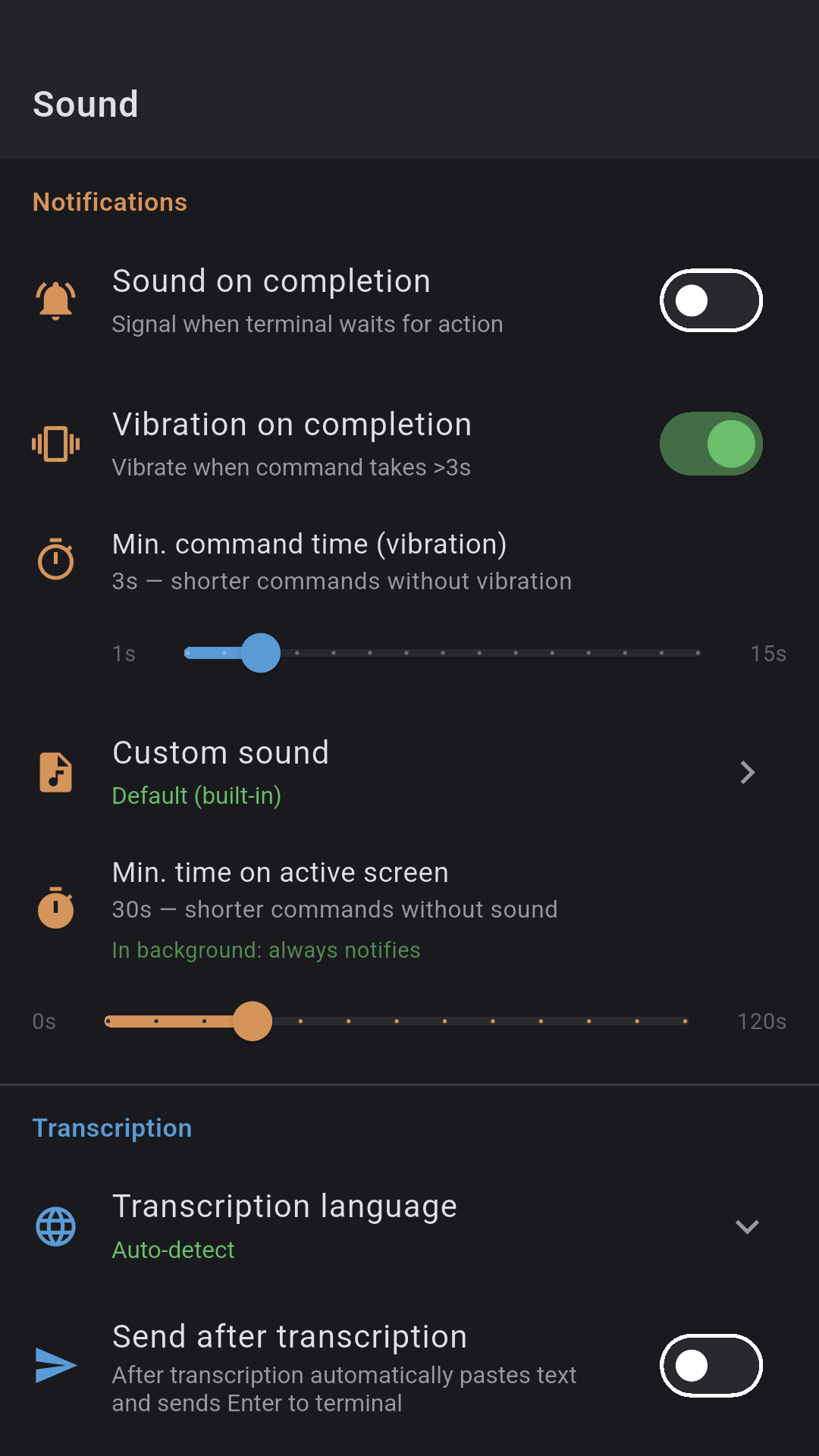
- Command-finished notifications
- Configurable toolbar (drag & drop)
📊
tmux support
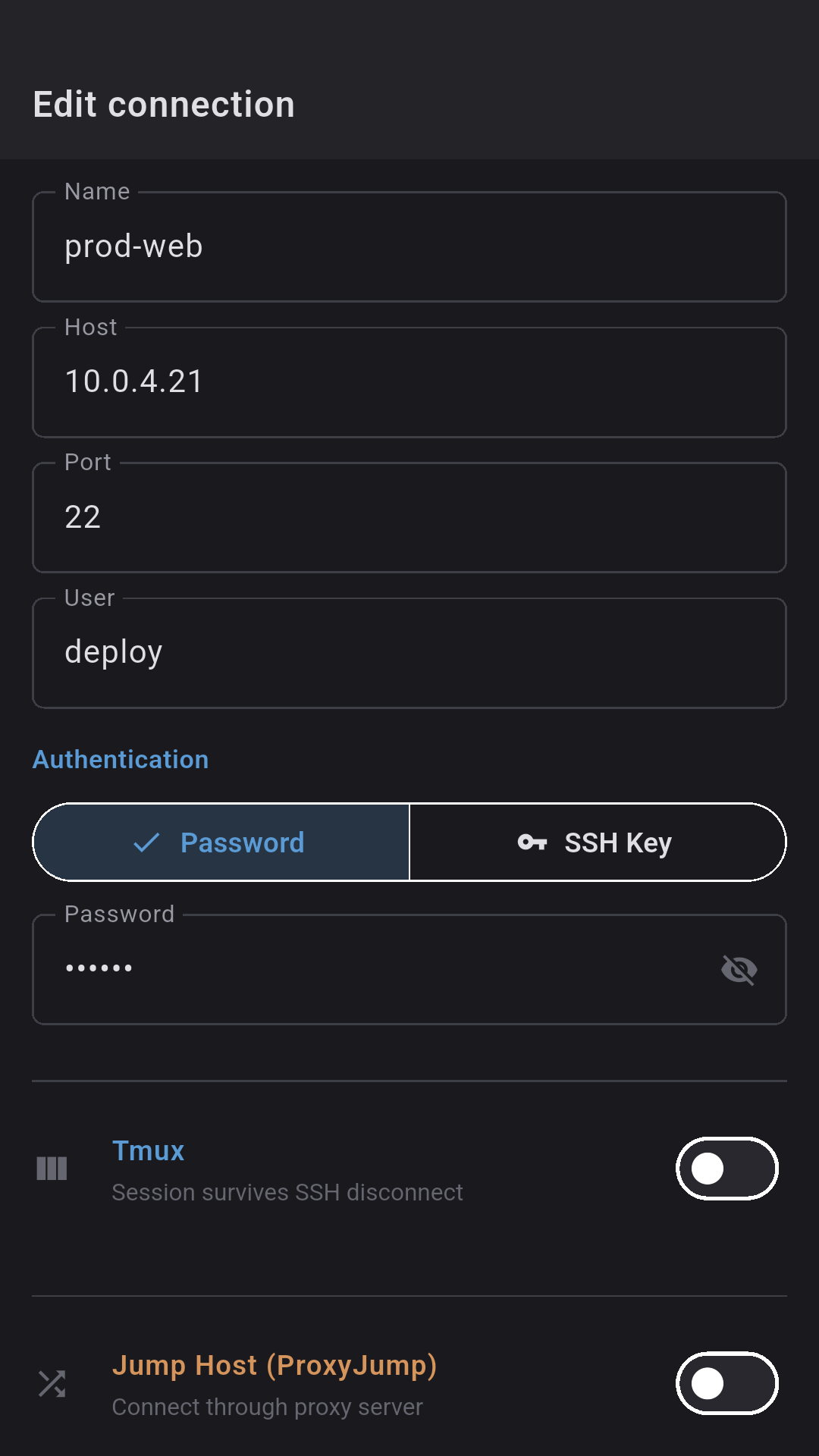
Full tmux integration. Sessions survive connection drops — reattach on reconnect with no loss of context. Toolbar shortcuts, session/window picker, auto-attach to the last session.
- tmux attach / new / list-sessions from the UI
- Session and window picker (Ctrl+B s, Ctrl+B w)
- Auto-attach on SSH reconnect
- tmux shortcuts on the configurable toolbar
⚡
Post-connect scripts
Multiple commands per connection, run automatically the moment the session is up — set up your env, cd into the project, attach tmux. The workflow JuiceSSH users have been missing.
- Multi-line: one command per line, sent in order
- tmux-aware — lands in the right pane
- # comments and blank lines skipped
- Syncs across devices (no credentials)
🟢
Scheduled health checks
Per-server command on a schedule with push alerts — know your service died before your users do. No cron, no external monitoring stack.
- Any command, every N minutes
- Alert on non-zero exit or regex match
- Alert when the host is unreachable
- One alert per incident — no spam
🎤
Voice-to-Text
Speak to the terminal. Dagon AI transcribes voice to text in 15 languages. Auto-stop on silence, wake word, "enter" keyword detection at the end of an utterance.
- Dagon AI — built-in, no setup
- Wake word — offline, MFCC + DTW
- Mic-to-Enter — 3s after transcription
🔌
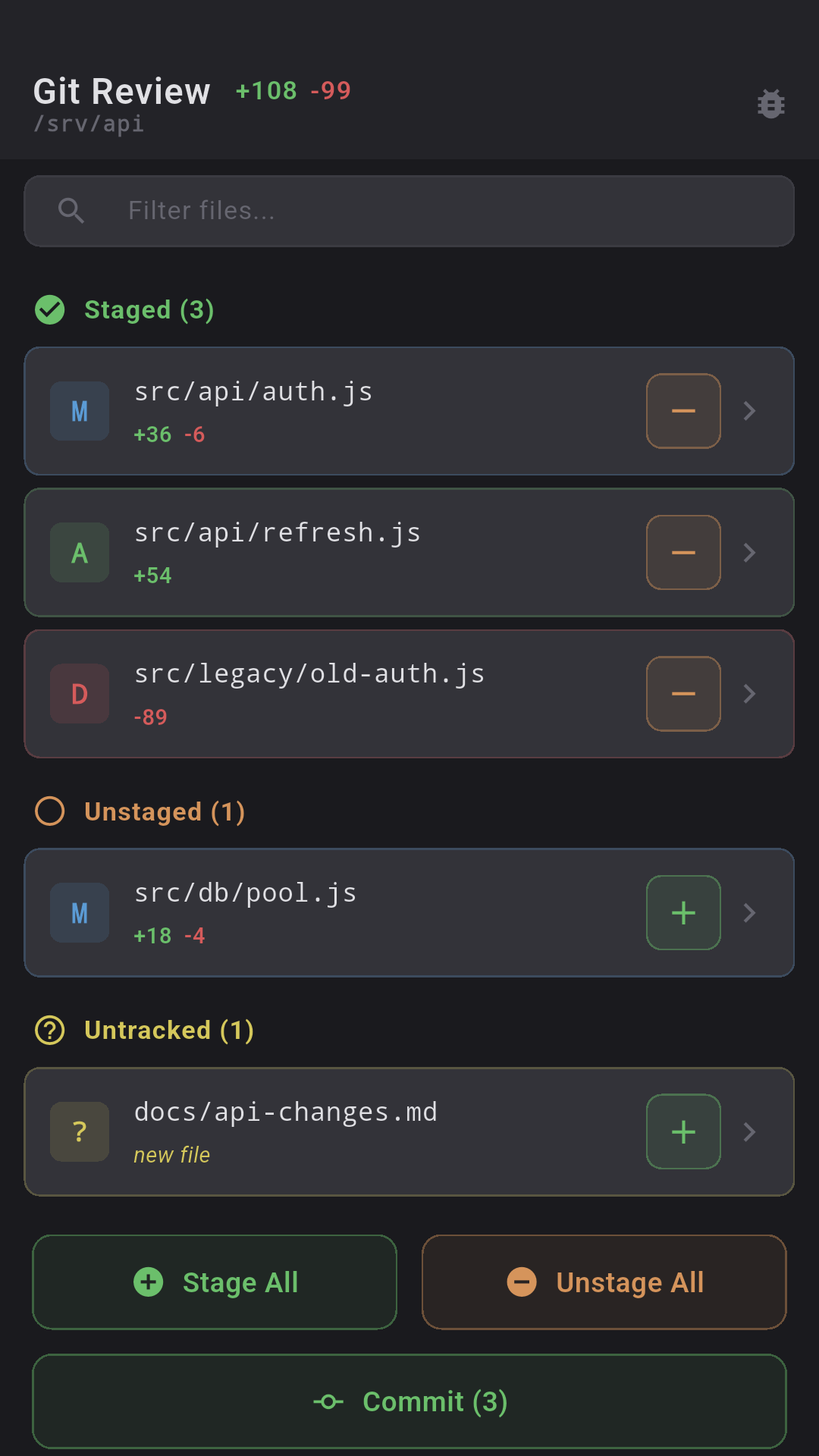
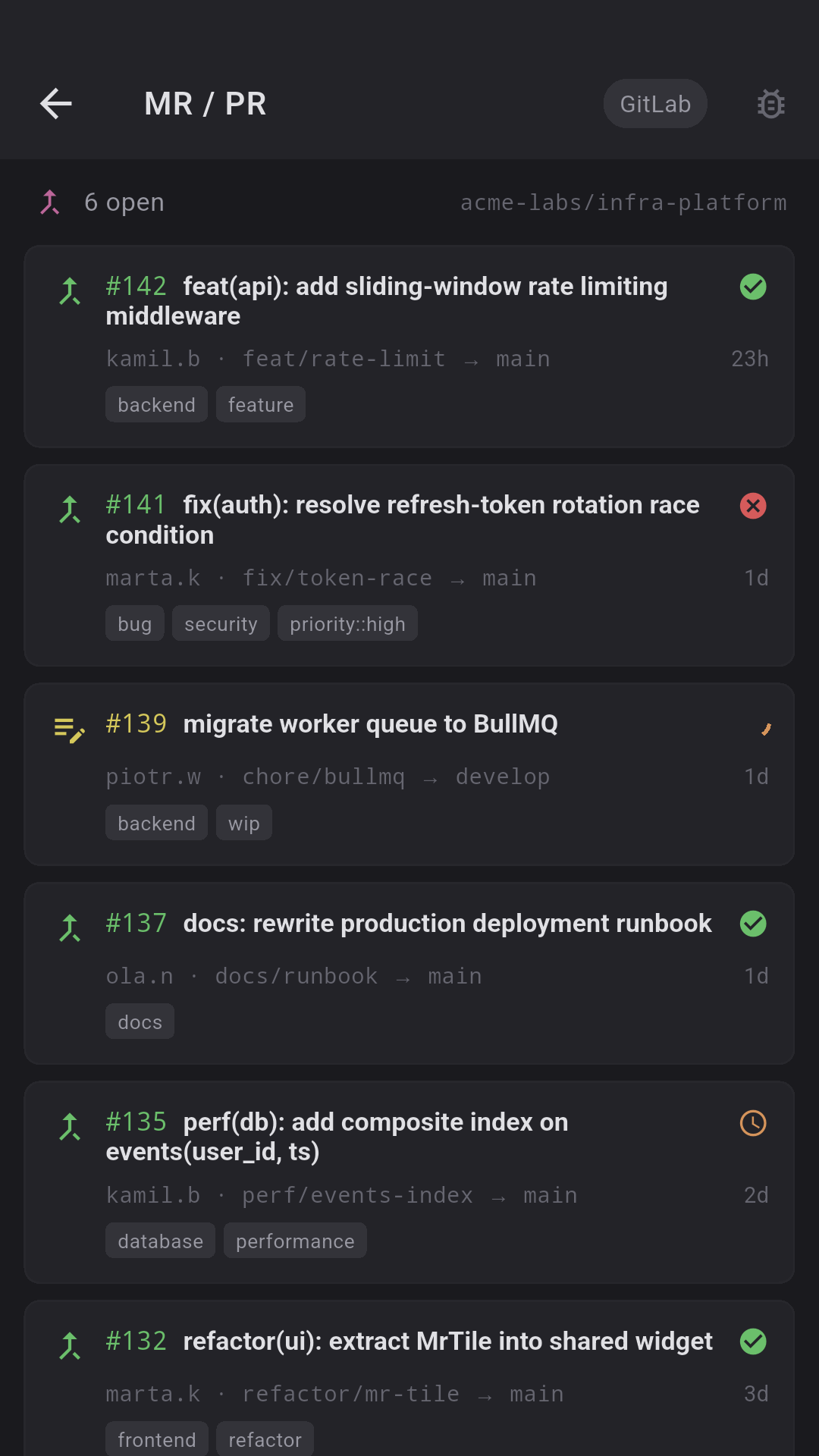
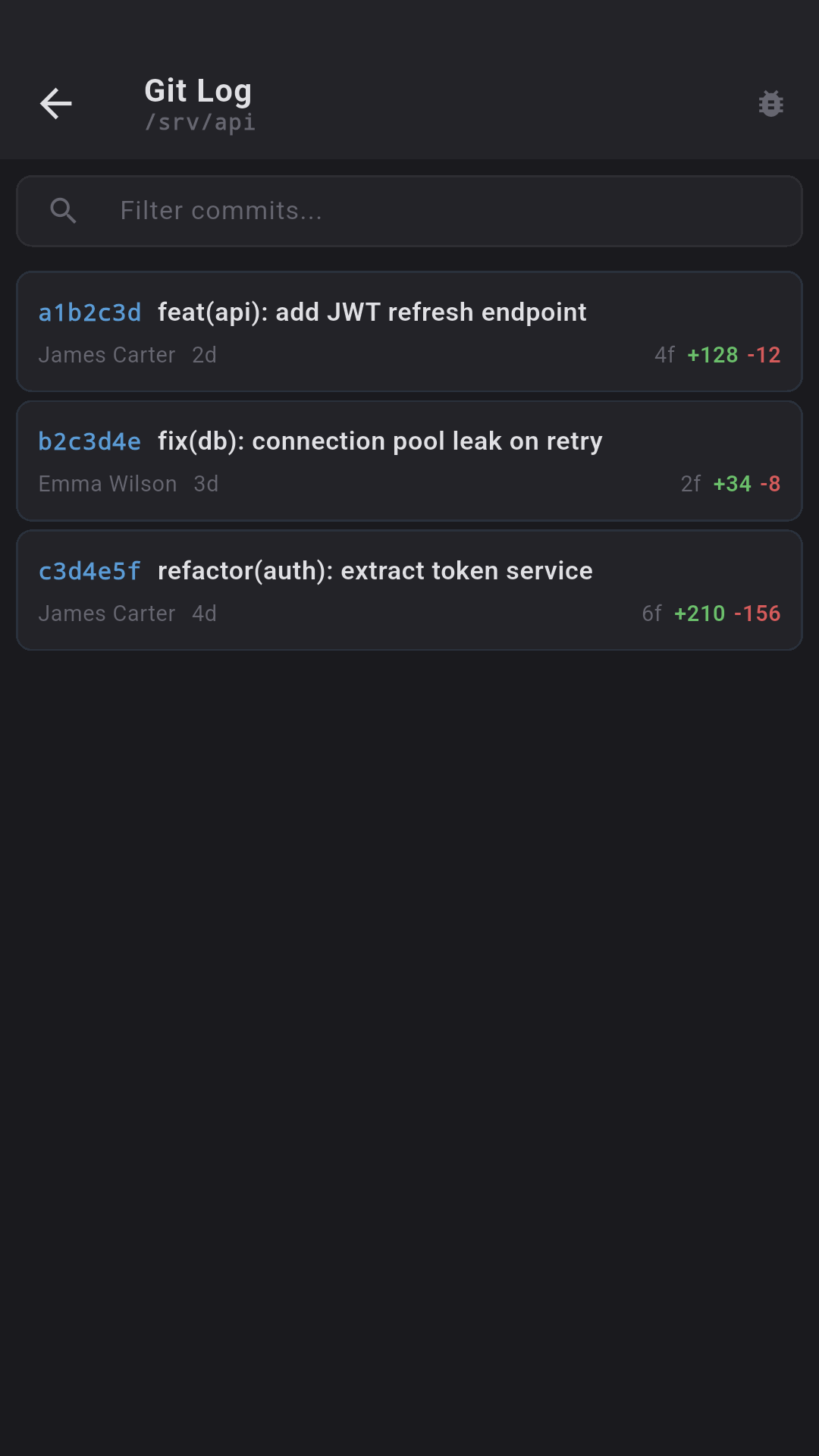
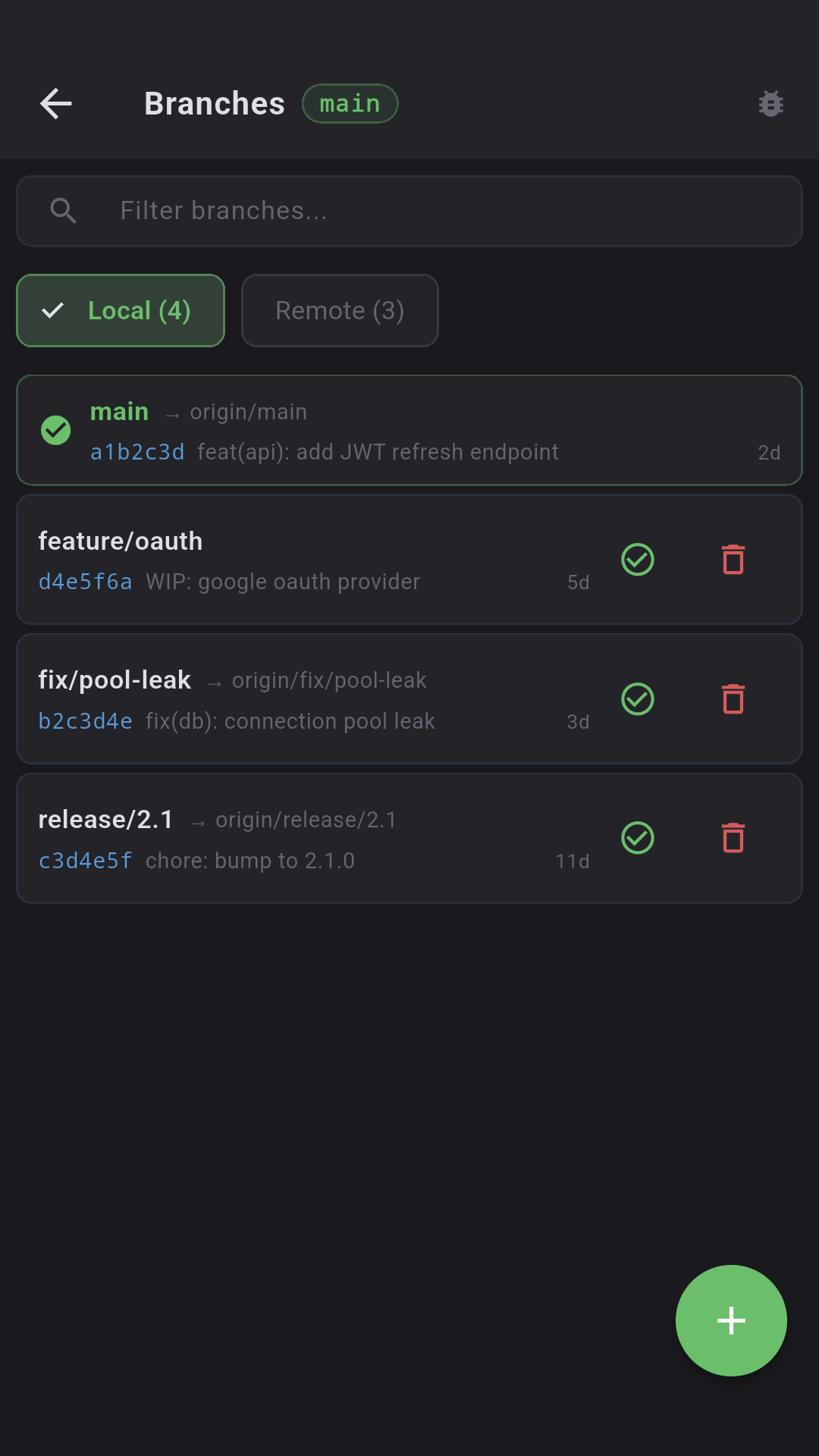
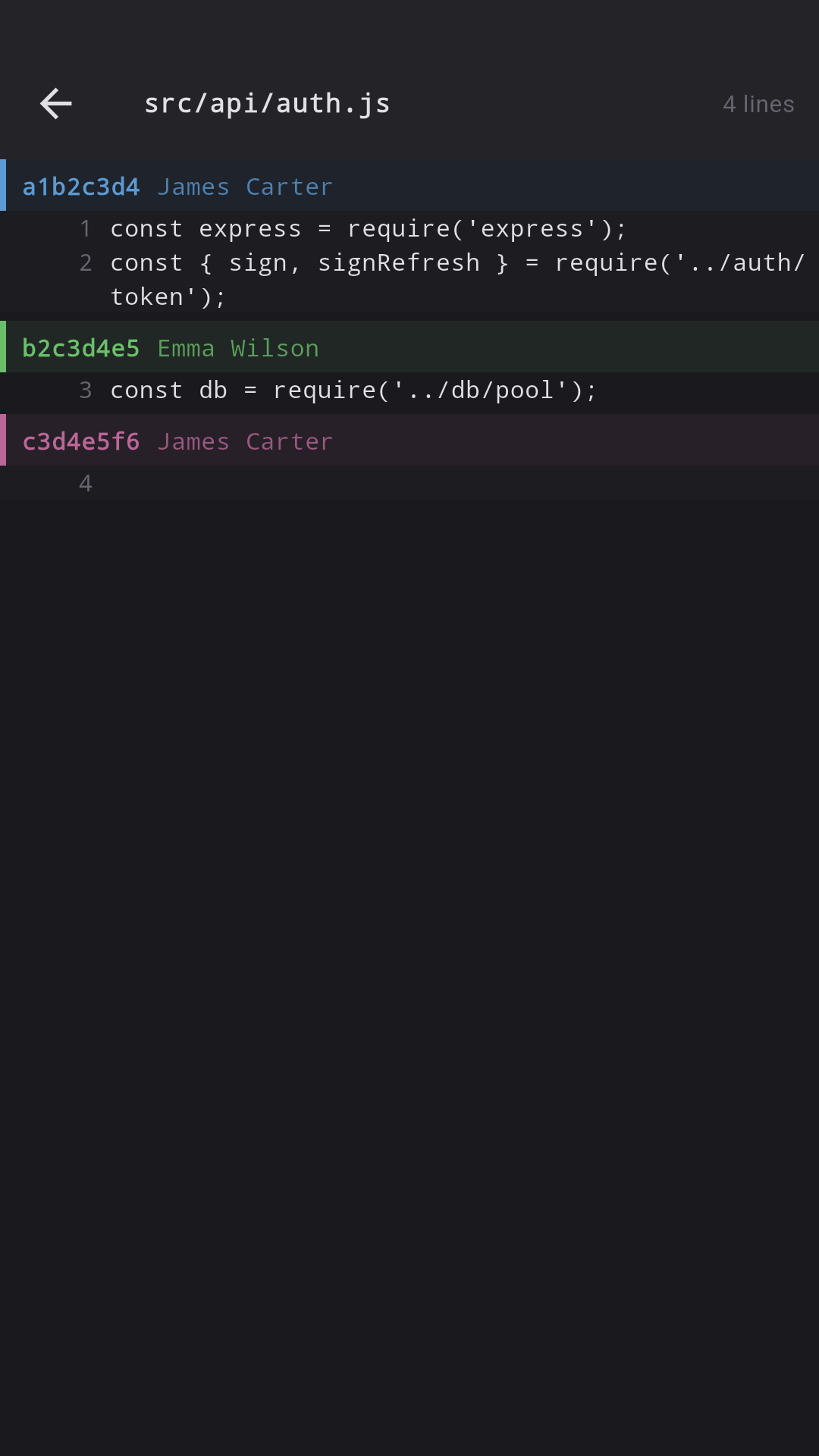
Git Integration
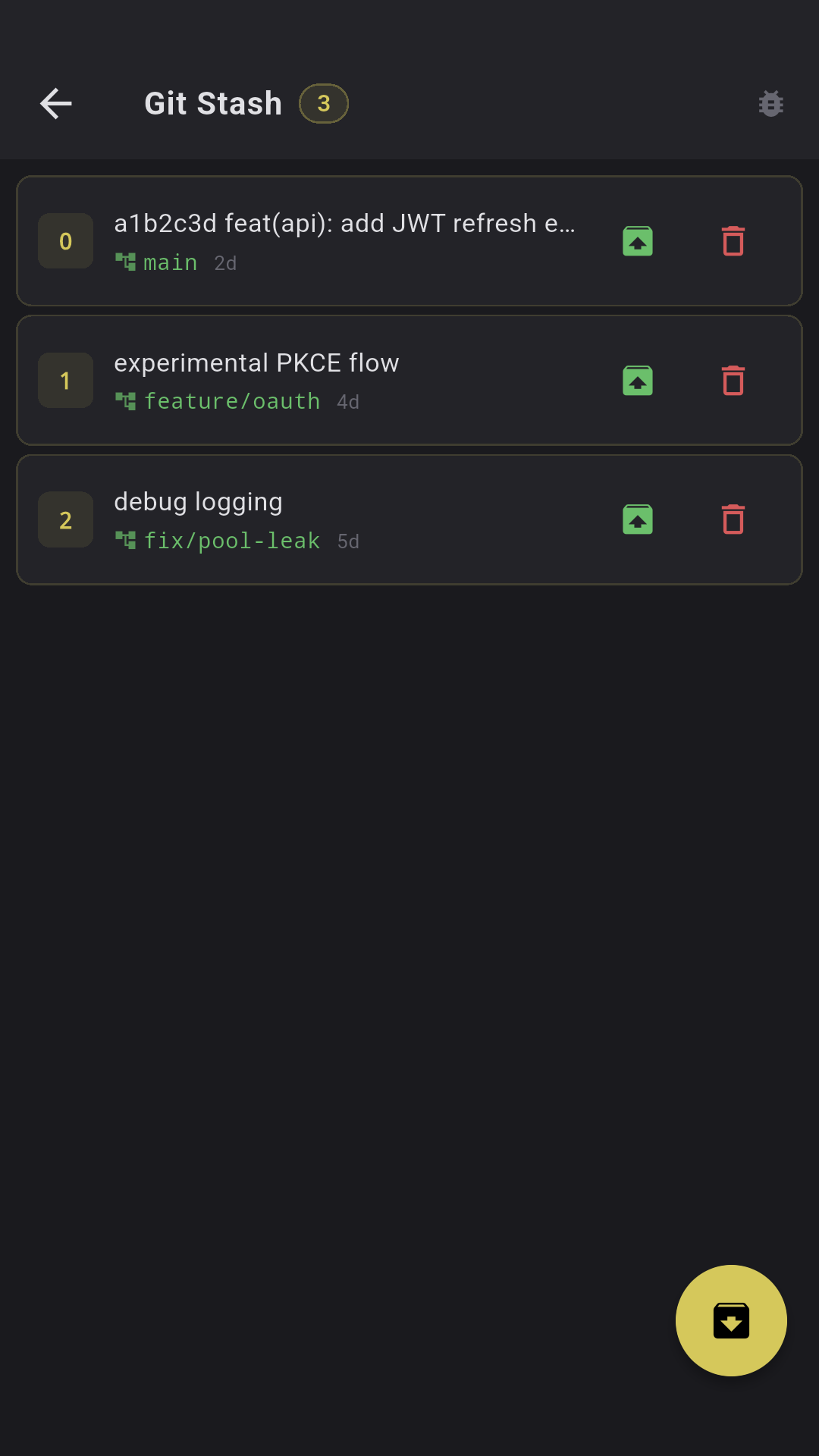
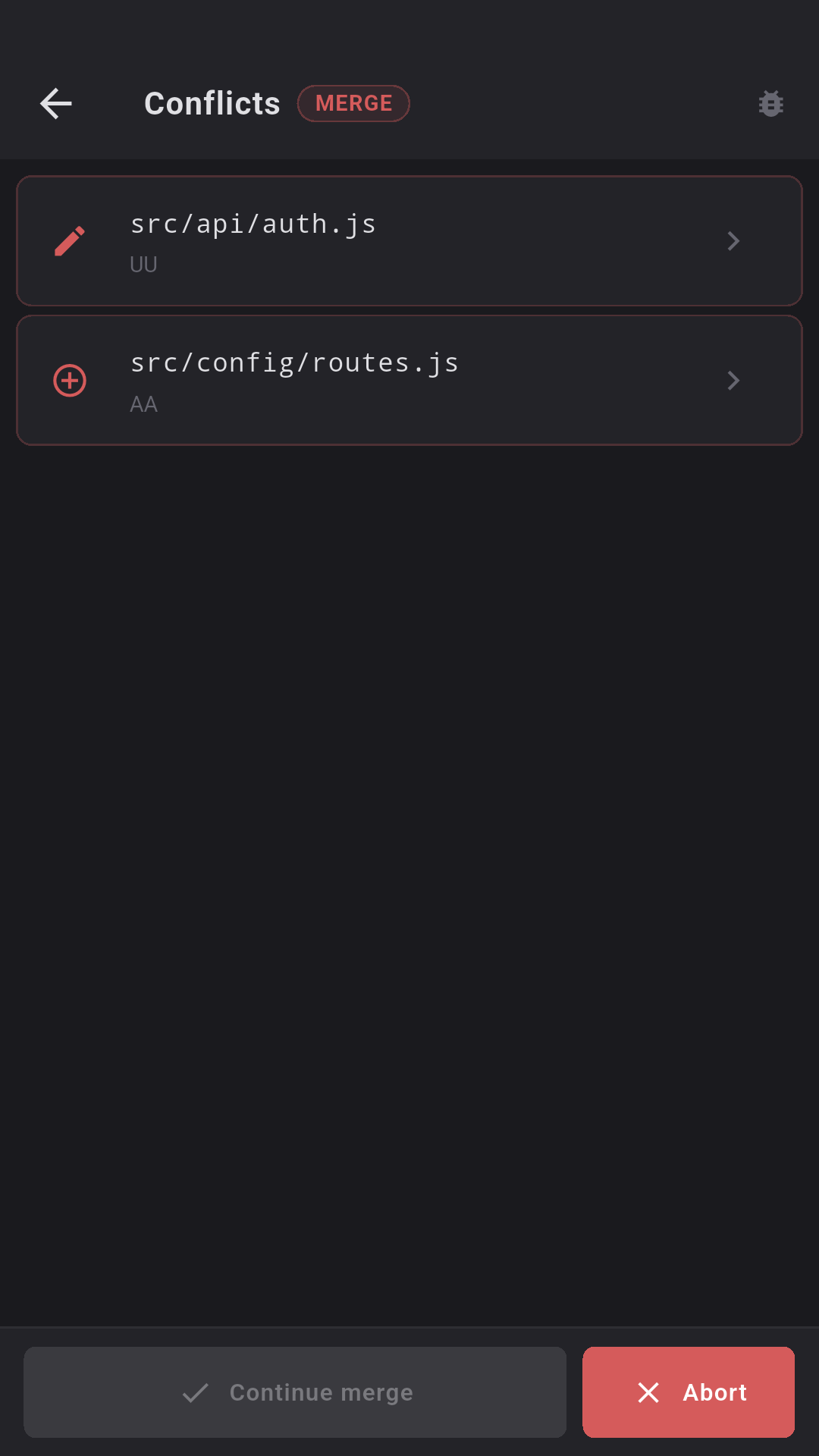
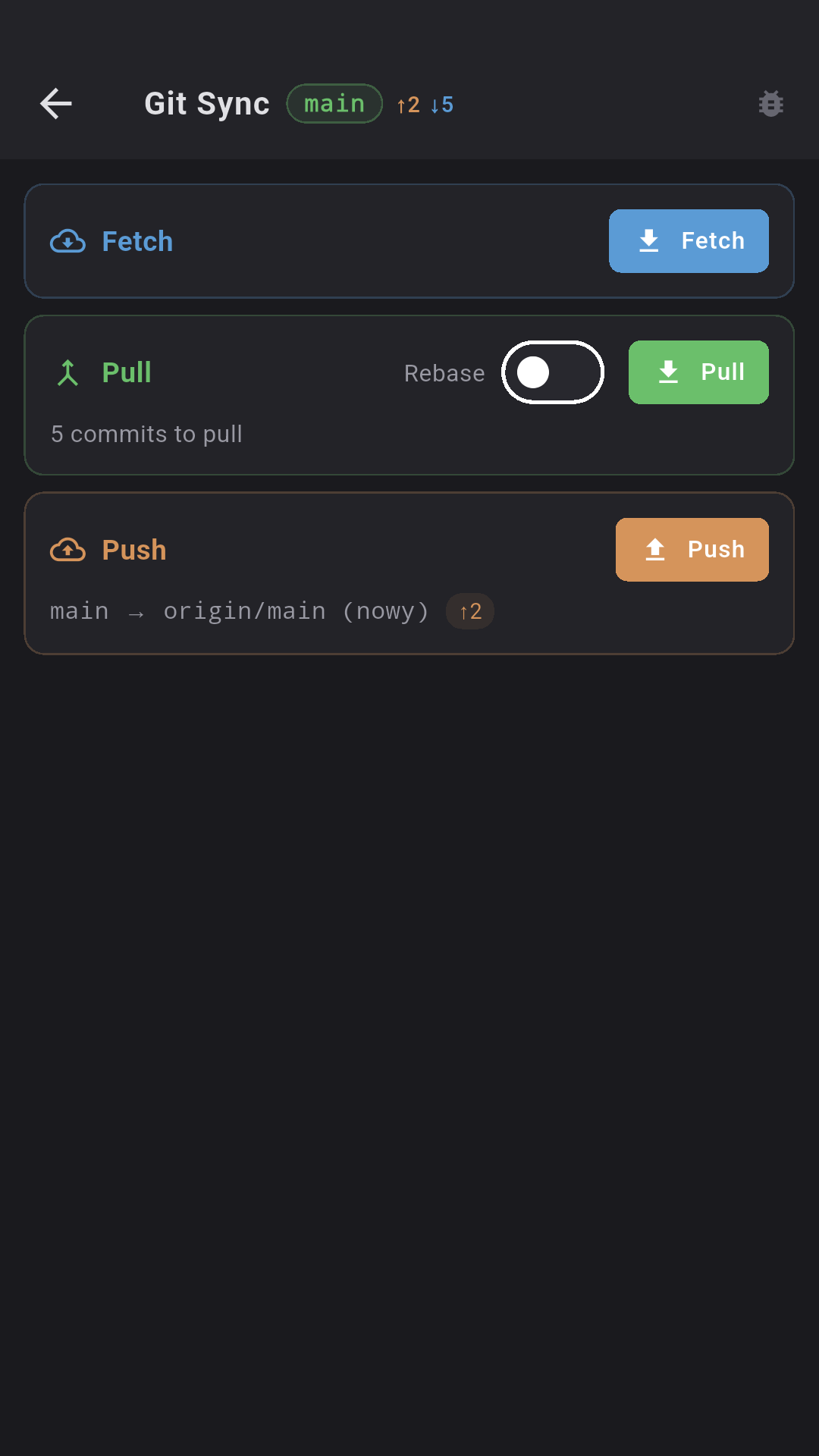
8 tools: diff, log, blame, branches, stash, sync, PR/MR browser, conflict resolver. GitHub + GitLab with auto-detection. Inline code review.
- Stage/unstage with diff preview
- PR/MR with inline comments
- Conflict resolver (ours/theirs/manual)
- Push with "push" confirmation
📁
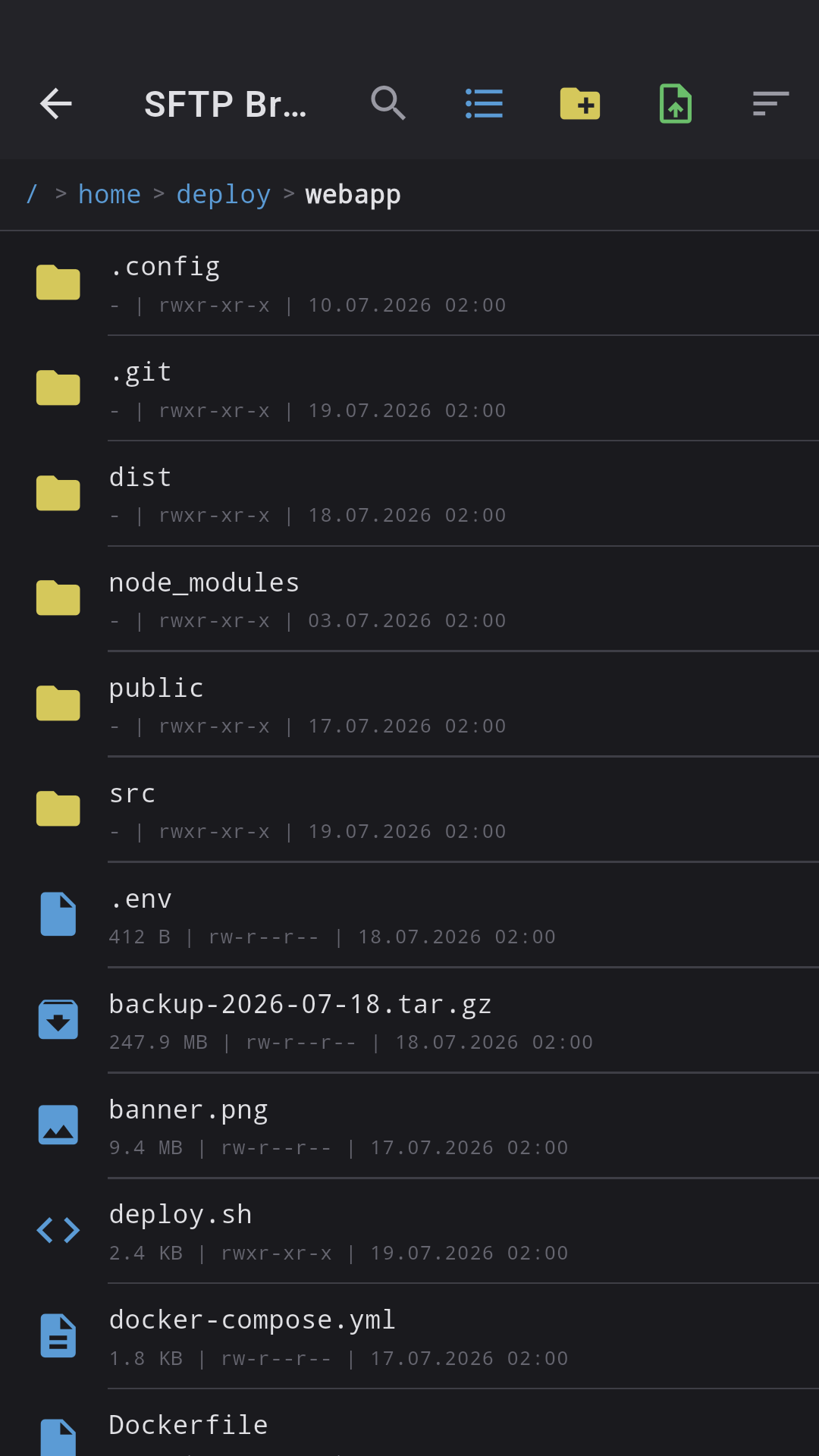
SFTP Browser
Full file manager on the server. Breadcrumb navigation, text editor with line numbers, Markdown and image preview with 0.5x-5x zoom.
- 45+ text-file extensions
- Upload with progress bar
- Download to a chosen folder
- Pinch-to-zoom and swipe between images
- Bookmarks for quick navigation
📈
Server + GPU monitoring
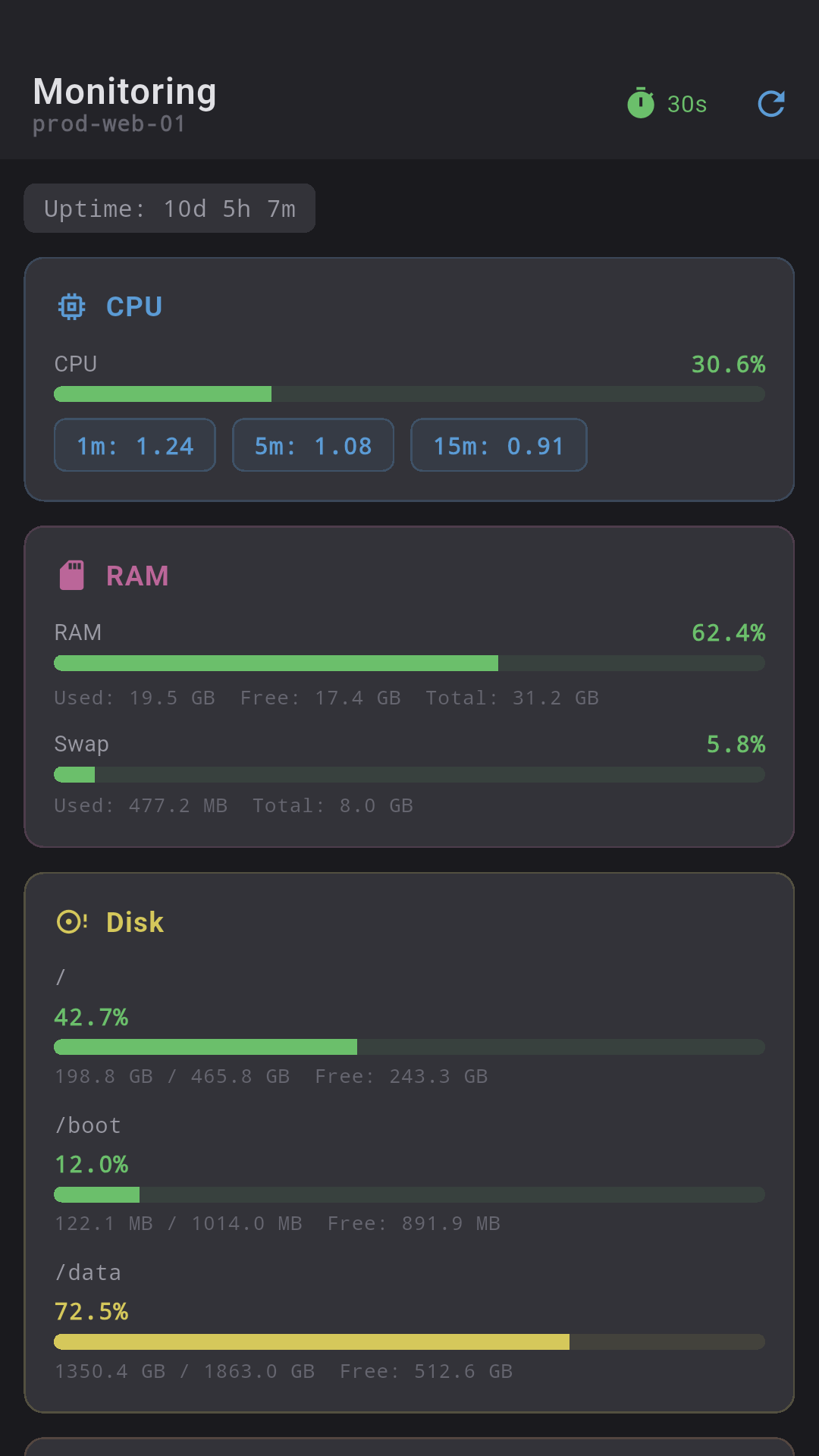
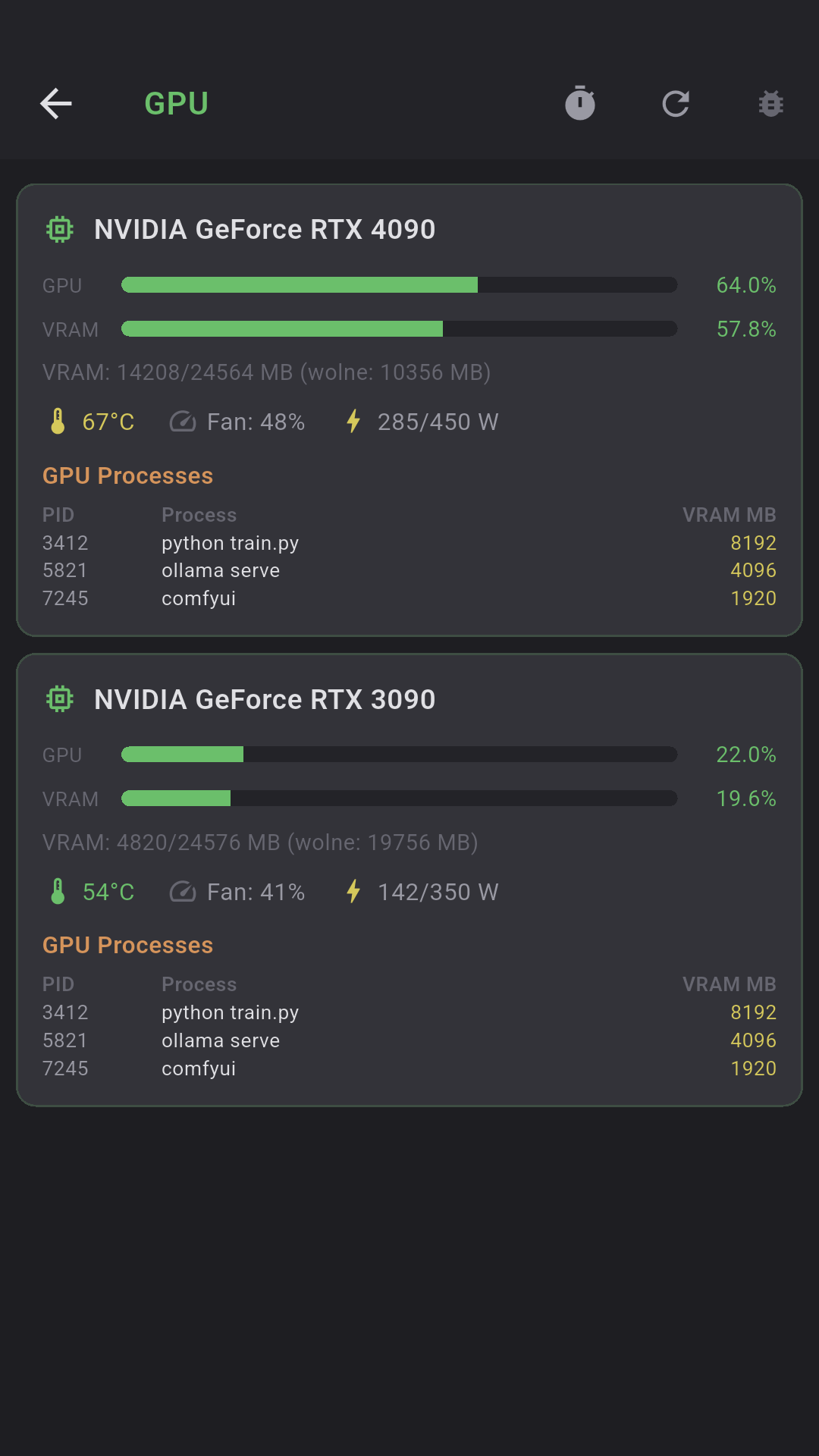
CPU, RAM, disk, network, top 10 processes — in real time. Auto-refresh 5s/10s/30s. Threshold coloring (green/yellow/red). NVIDIA/AMD GPU auto-detect.
- Load average 1m/5m/15m + uptime
- Separate bars per filesystem
- RX/TX with per-interface throughput
- GPU: utilization, VRAM, temp, fan, power
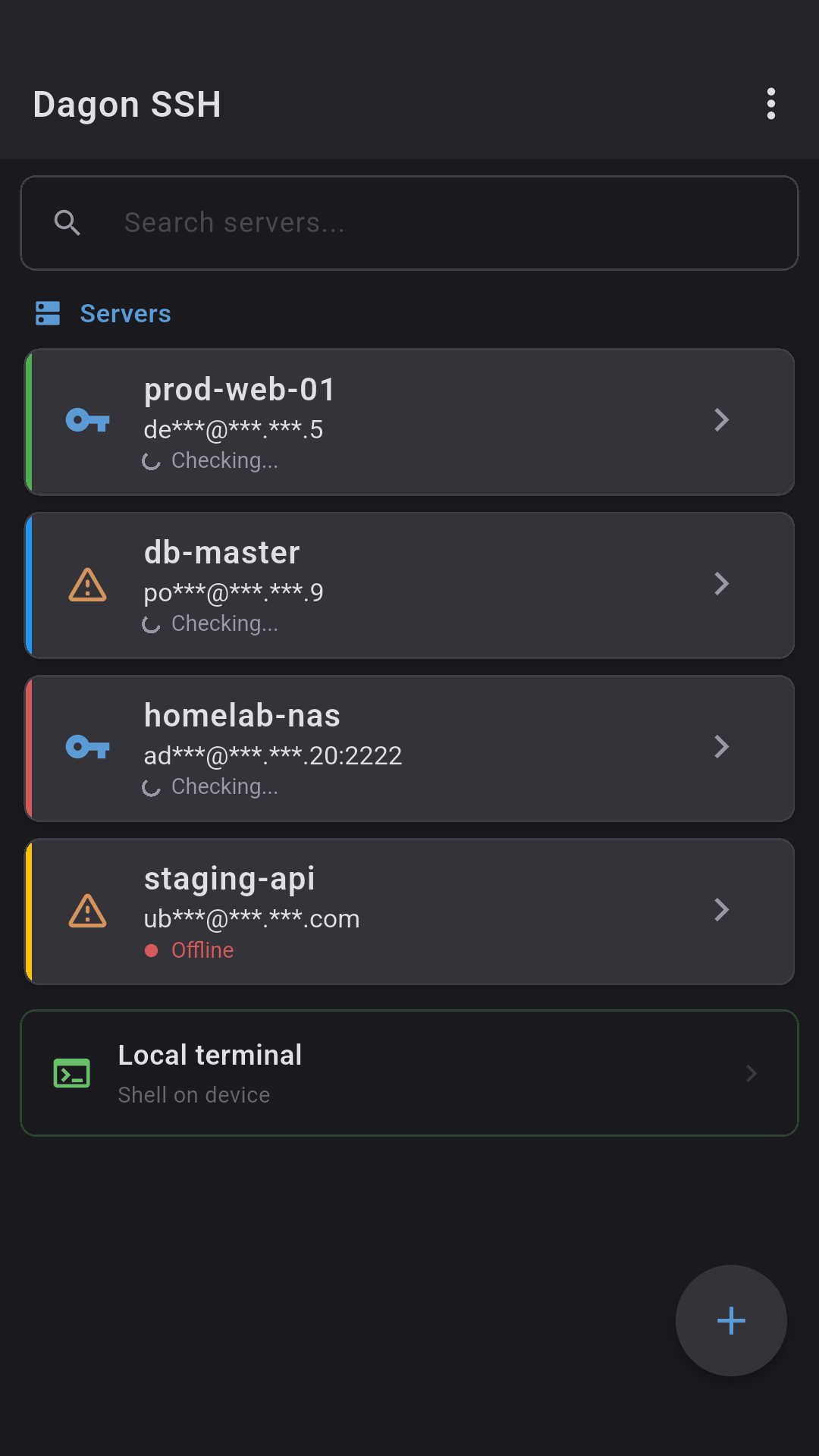
- Server ping status on connection list
📨
Port Forwarding
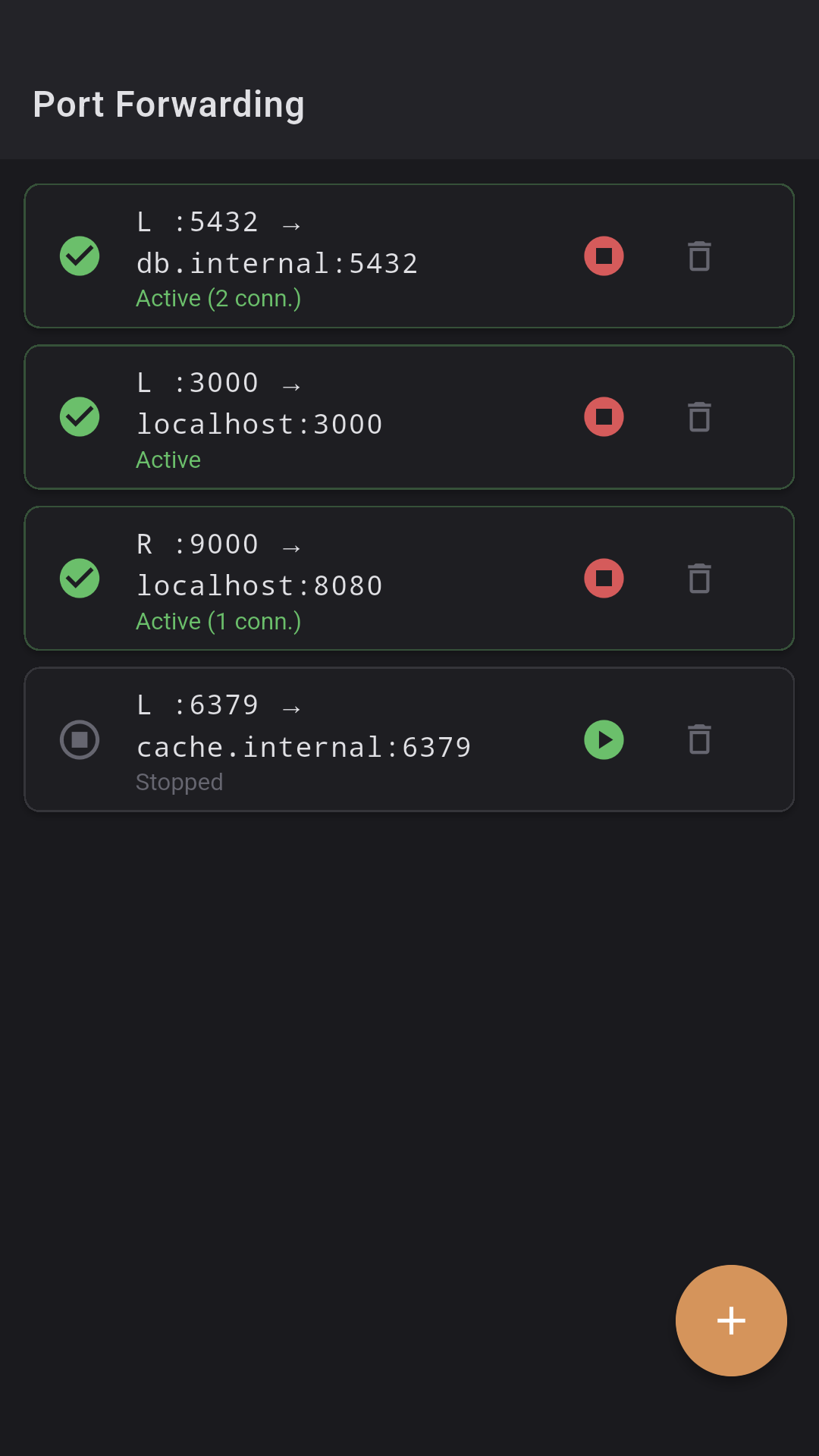
Local (-L) and remote (-R) tunnels in the GUI. 5 port templates (PostgreSQL, MySQL, Redis, HTTP, MongoDB), active-connection counter.
- Local: phone listens, SSH forwards
- Remote: server forwards to phone
- Play/Stop per rule
- Status: active/error/stopped
🔑
SSH keys + biometrics
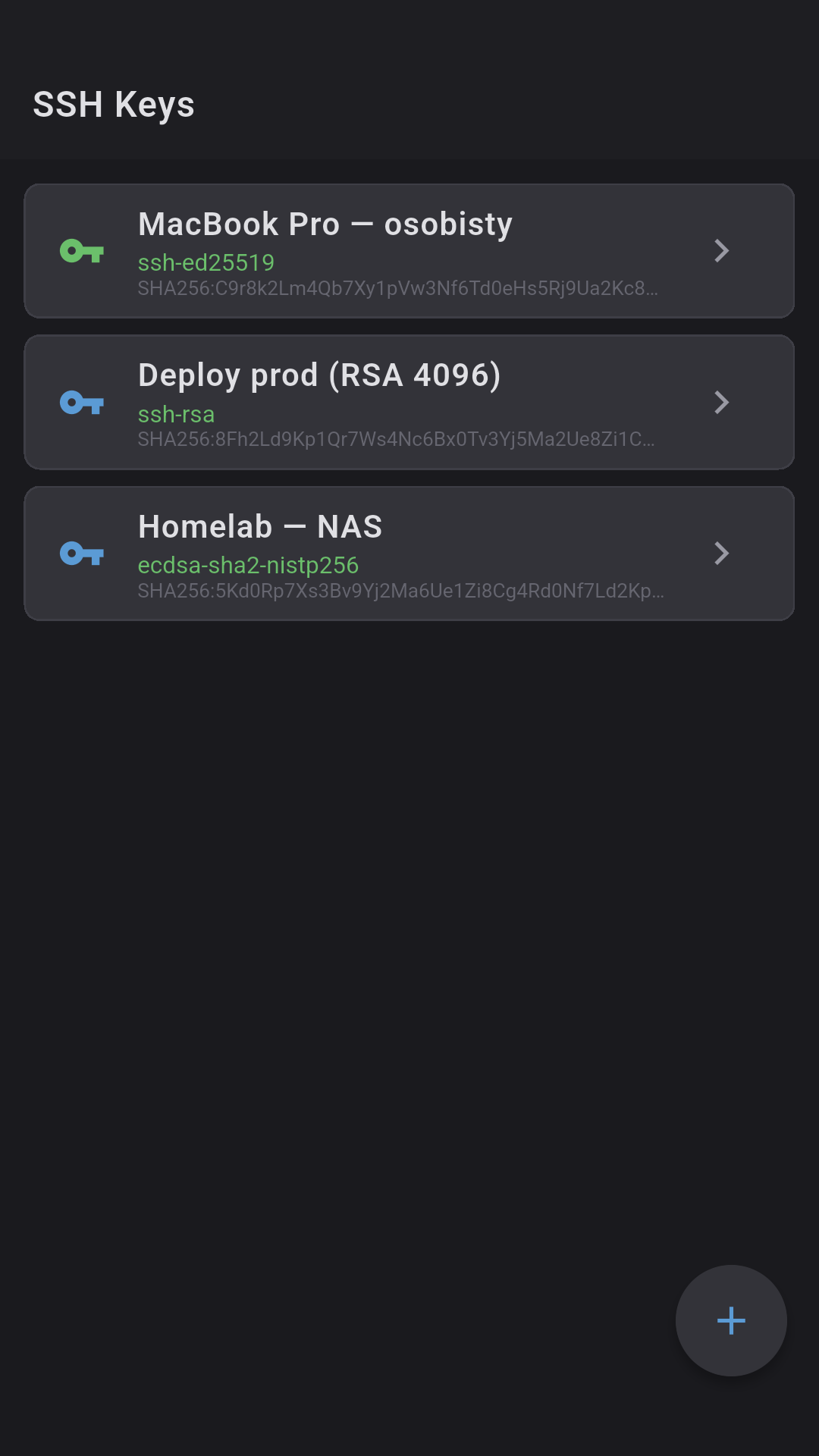
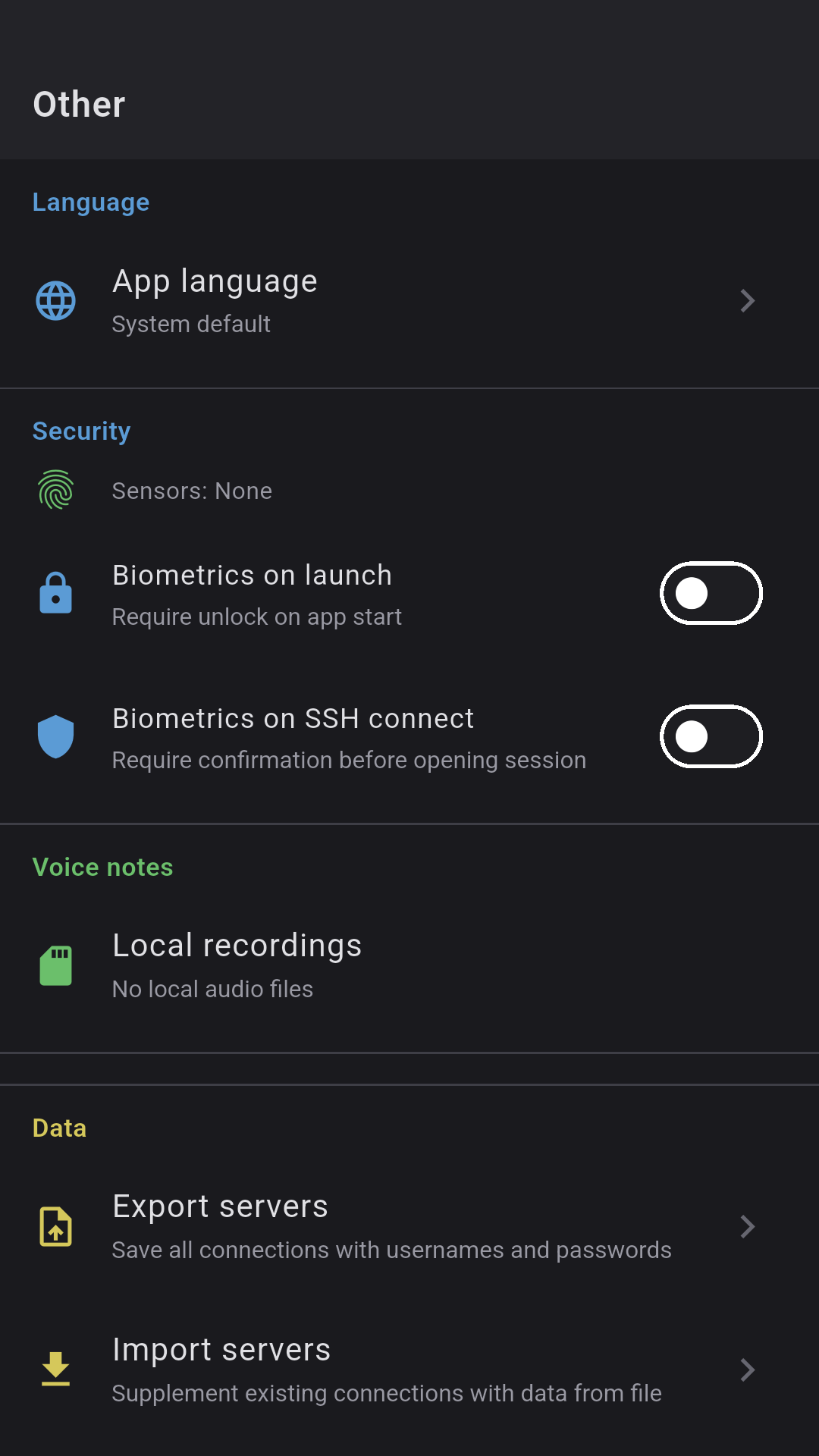
Generate Ed25519, import RSA/ECDSA from a file or clipboard. Jump host / ProxyJump. Biometrics on app start and on connect.
- Encrypted hardware keystore
- Passphrase for encrypted keys
- SHA-256 fingerprint
- Fingerprint / face / iris
📄
Parameterized snippets
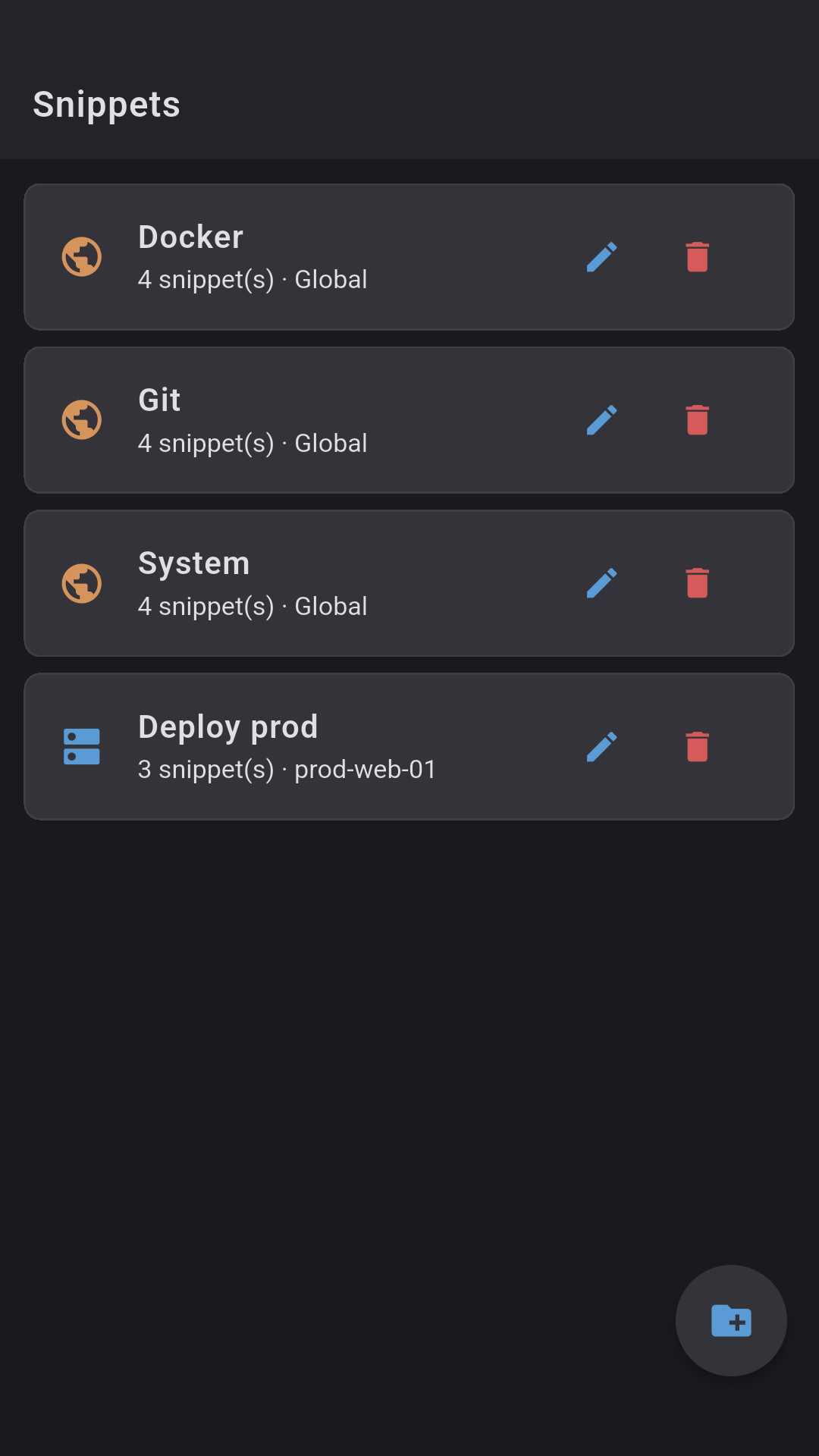
Global and per-server folders. Parameters {{name}} with predefined options. Sync, quick access from the toolbar.
- Syntax {{branch}}, {{env}}
- Dropdown with options or free input
- Snippet picker: other servers
- Cloud sync (no credentials)
🎨
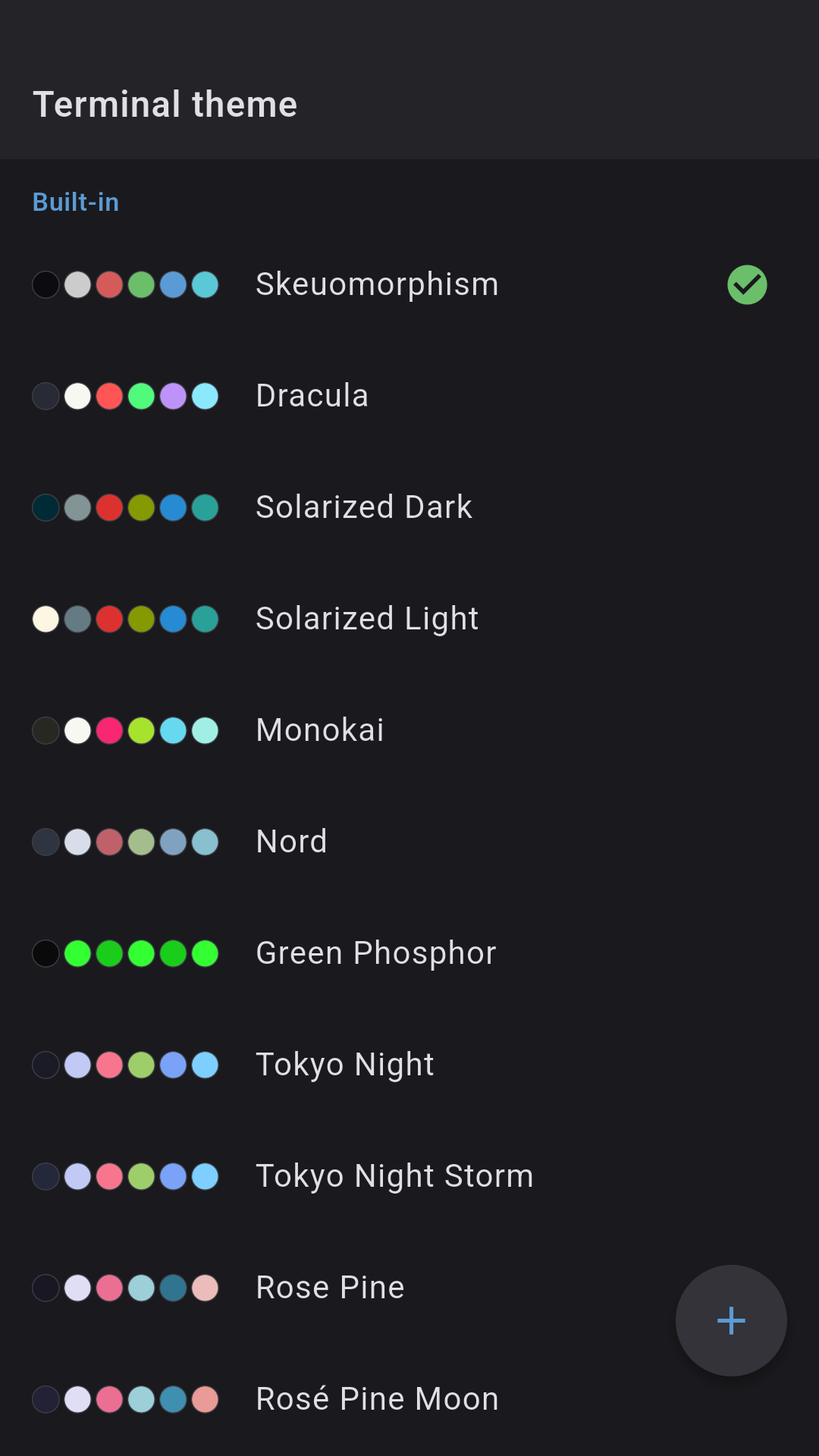
27 themes + light app mode
Dracula, Solarized, Nord, Tokyo Night, Catppuccin, Gruvbox Light, One Light, Everforest and more — 6 daylight-readable light themes. The whole app can follow: dark, light, auto, or match your terminal theme.
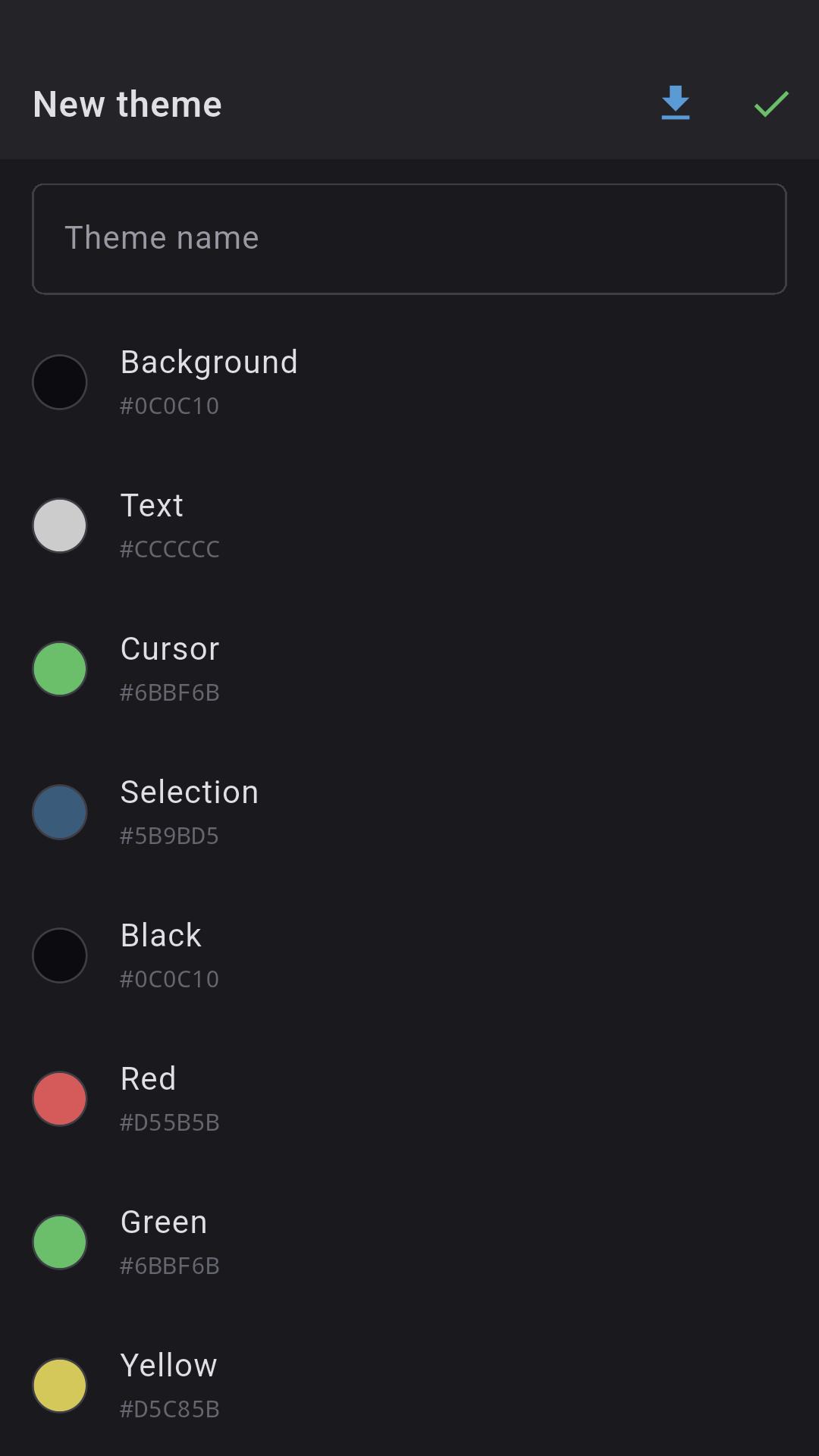
- 8 standard + 8 bright ANSI
- Background, text, cursor, selection
- 3 highlight colors
- 15 fonts + your own TTF/OTF
🔧
Configurable toolbar
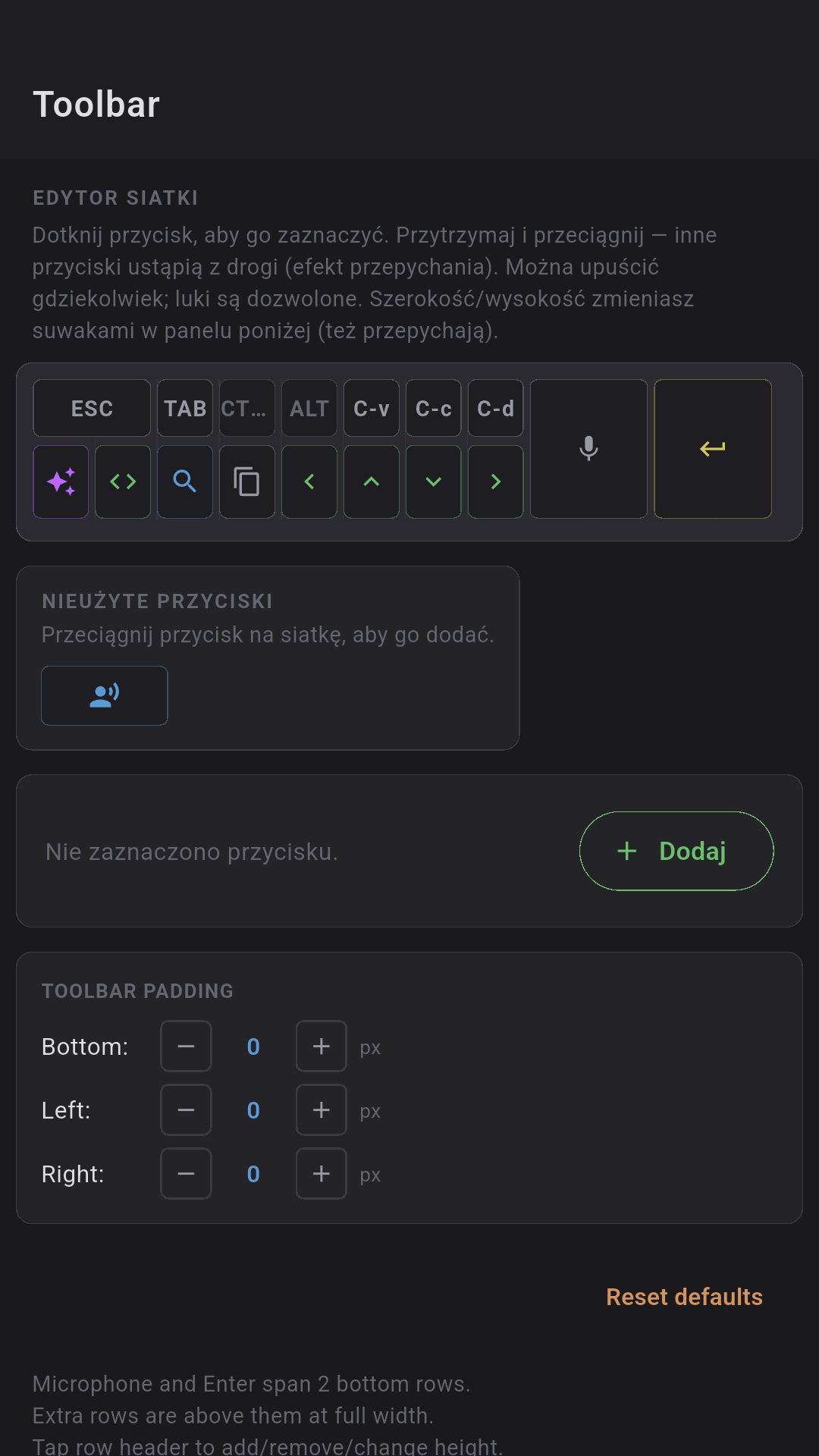
2 base rows + any number of extras. Drag & drop between rows. Auto/px width, configurable mic and enter keys.
- Cross-row drag & drop
- 1:1 preview in the editor
- Large mic: tall/short
- Reset to defaults
📸
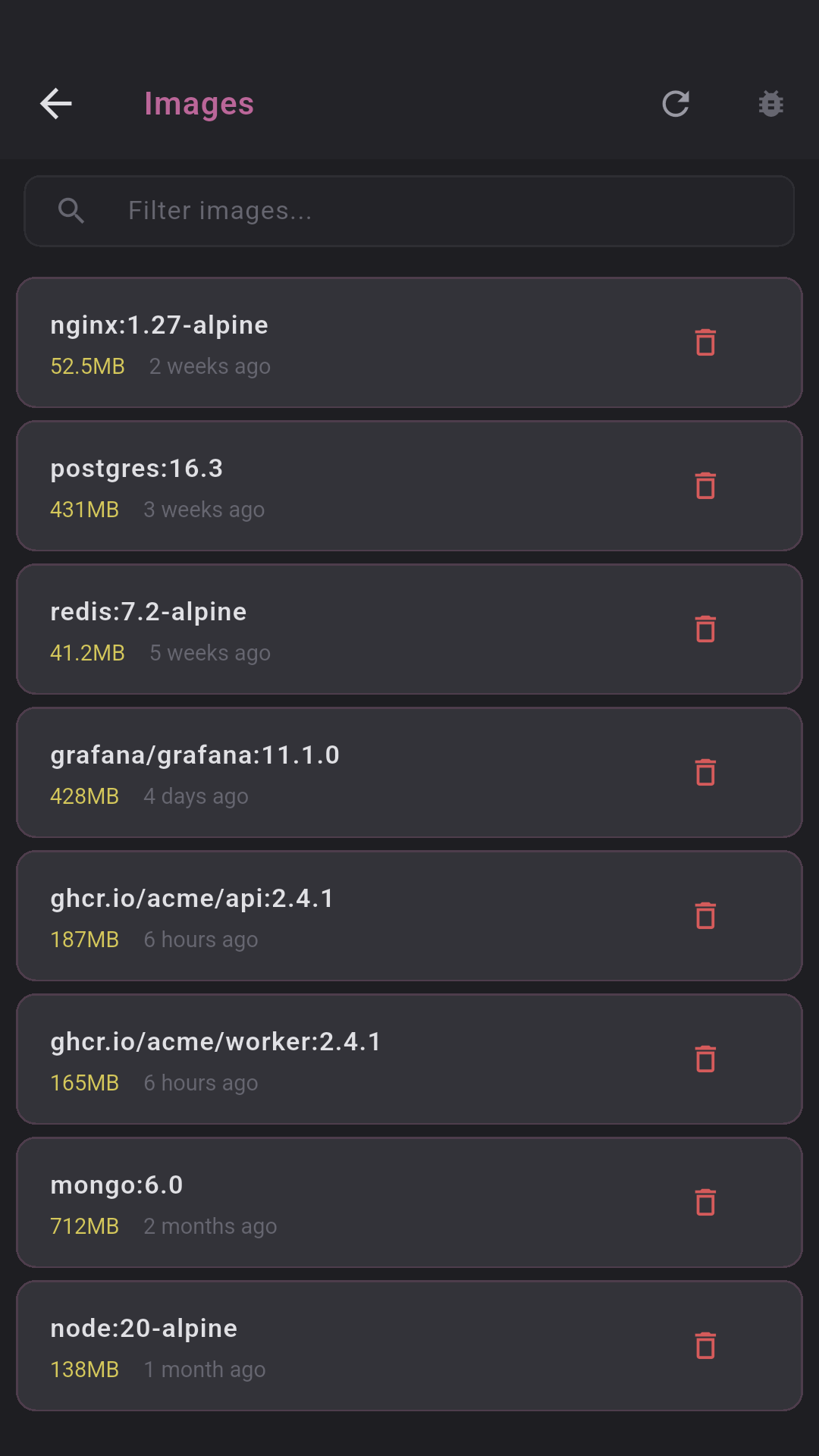
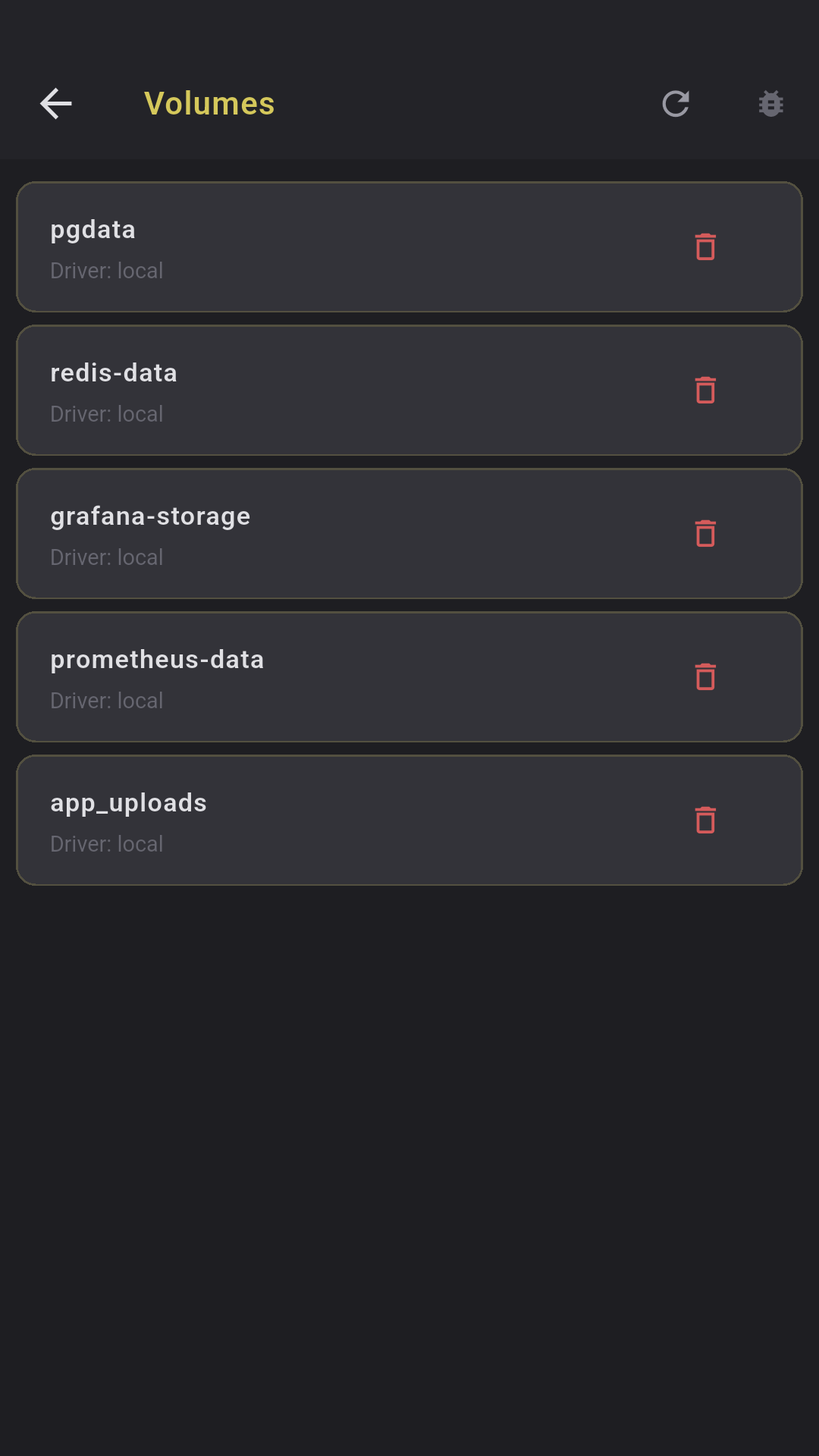
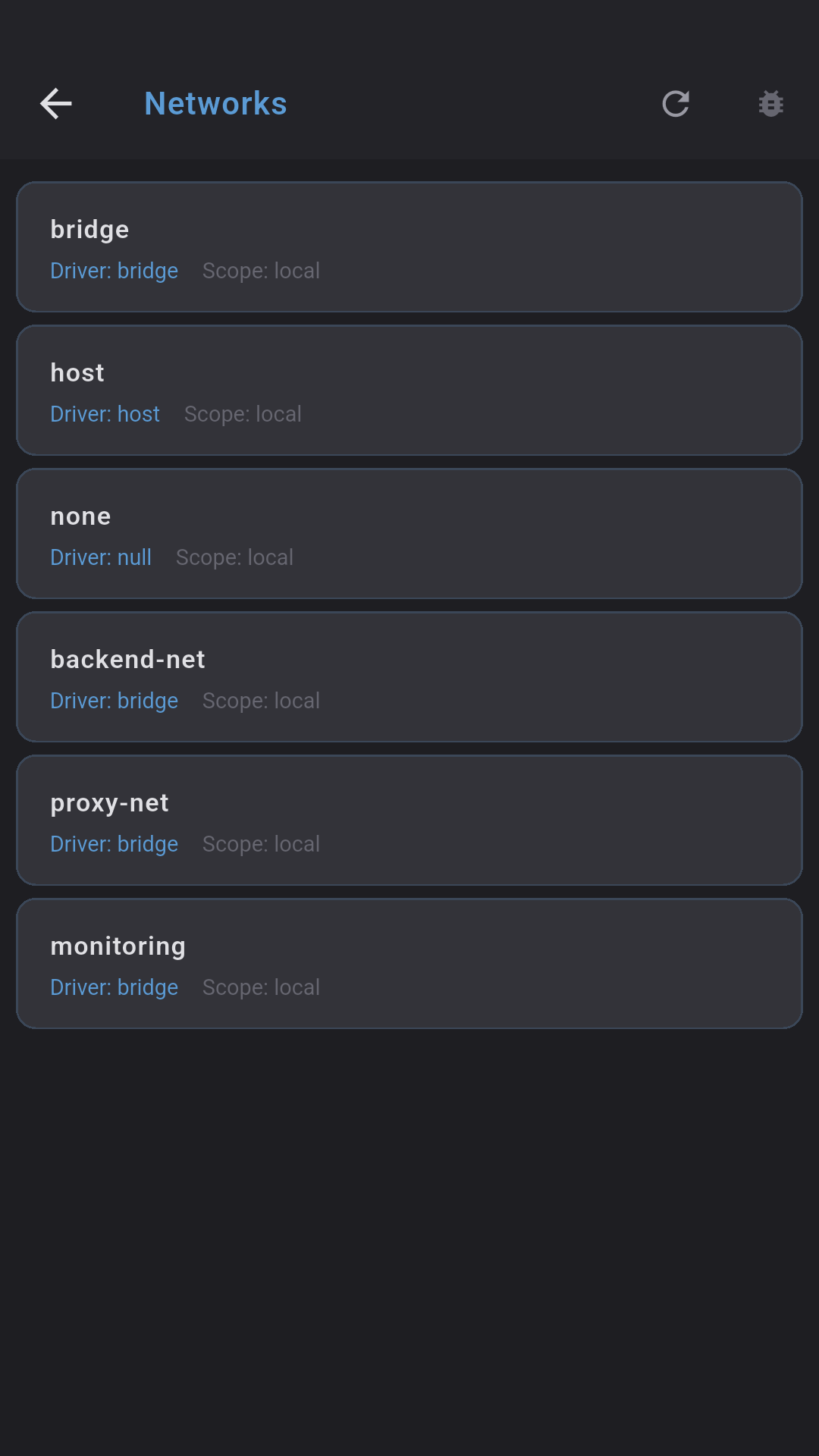
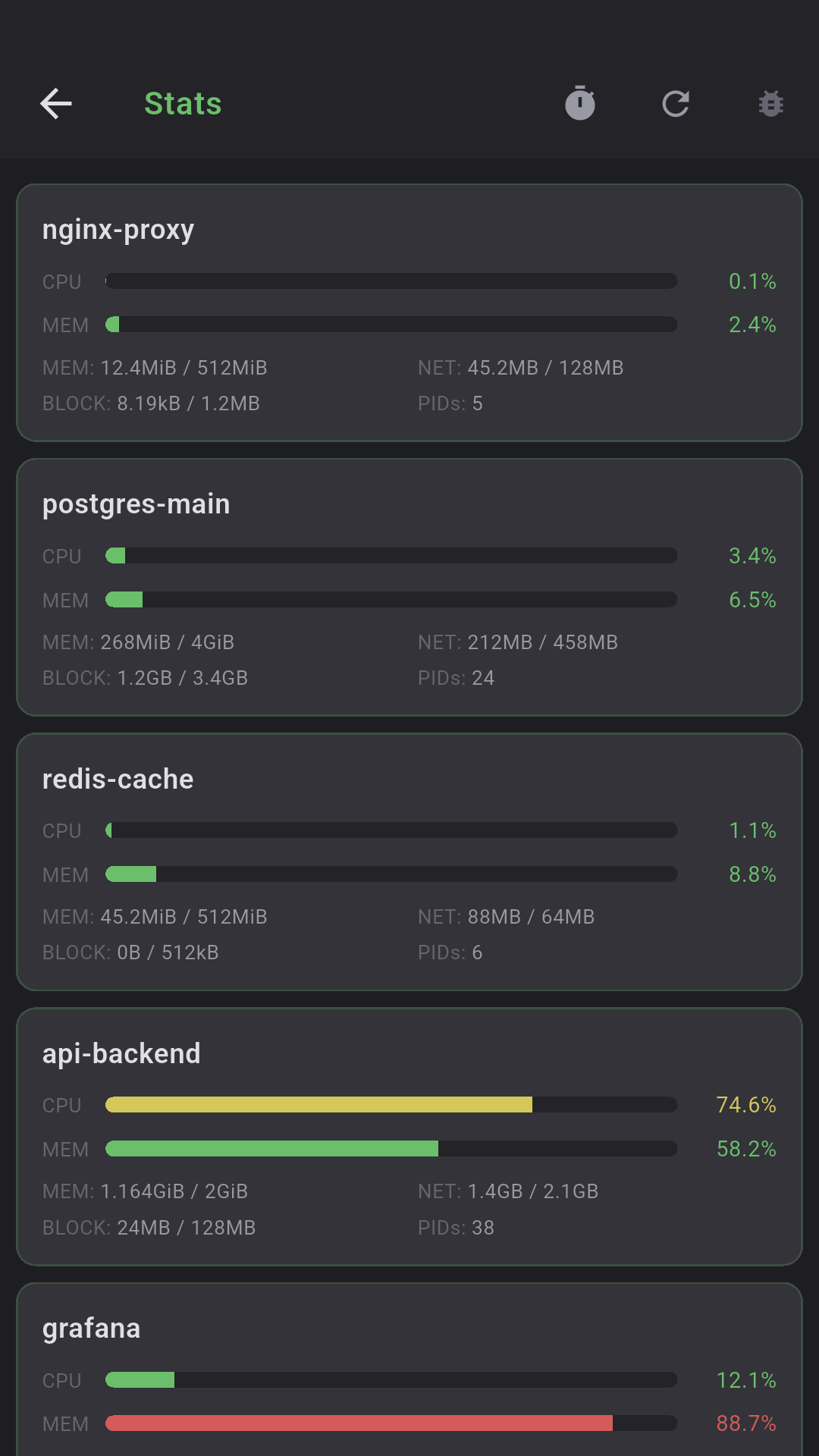
Docker Management
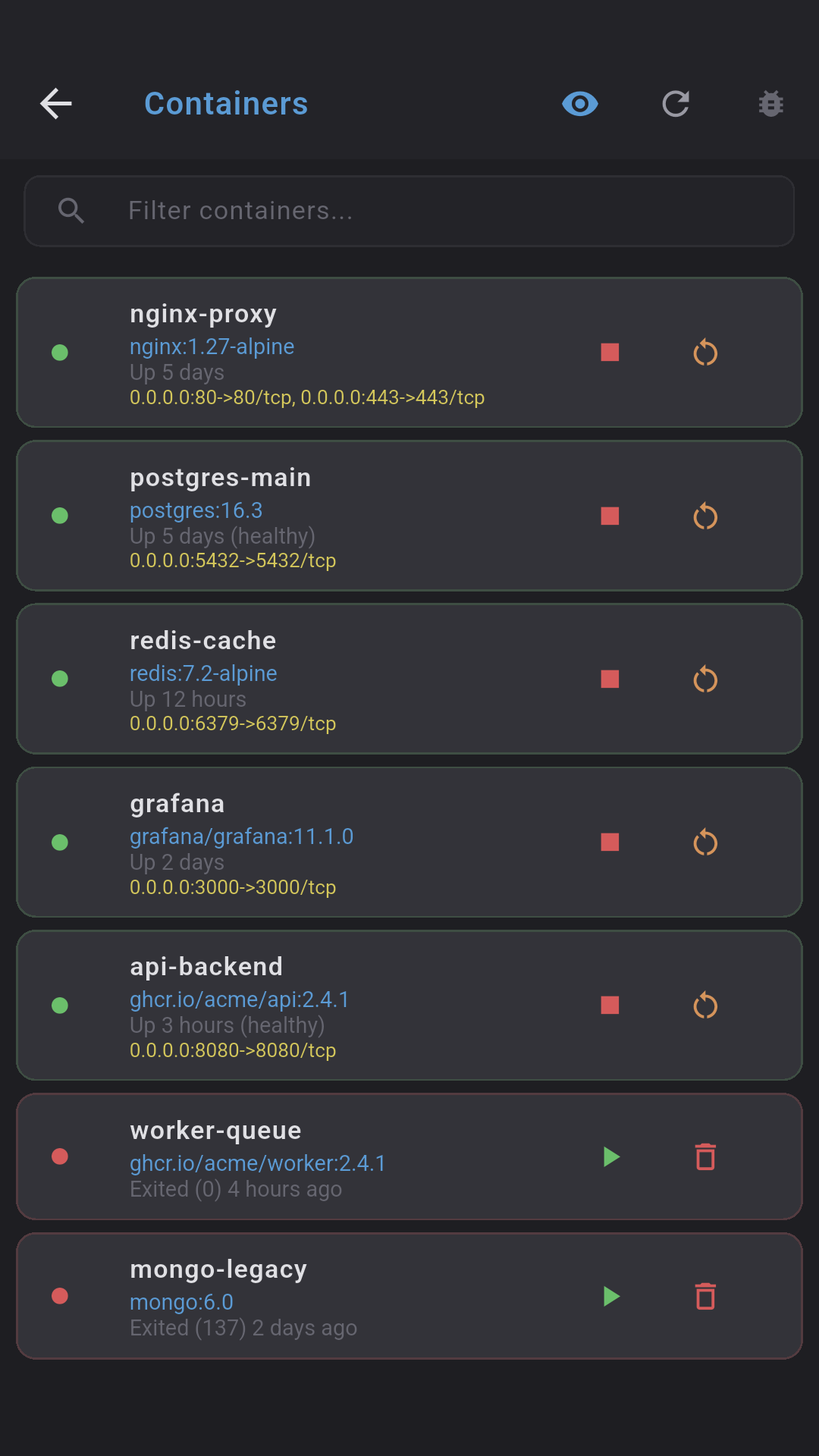
Full Docker container management over SSH. Containers, CPU/RAM stats, logs, images, volumes, networks — all in one place.
- Start / Stop / Restart / Delete
- Stats: CPU%, MEM%, NET I/O, BLOCK I/O
- Logs with auto-refresh every 5s
- Images, volumes, networks (read/delete)
▶
PM2 Management
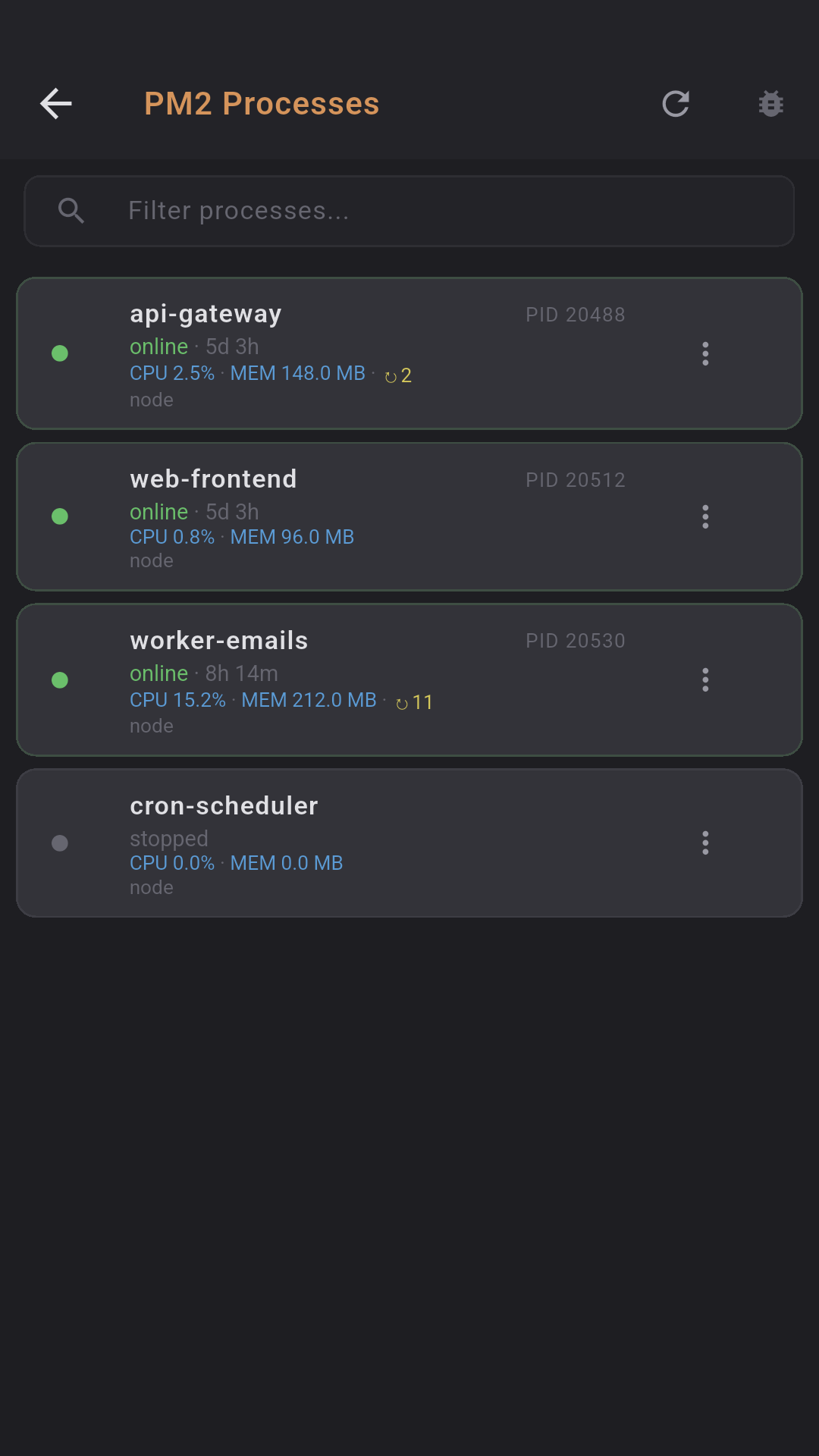
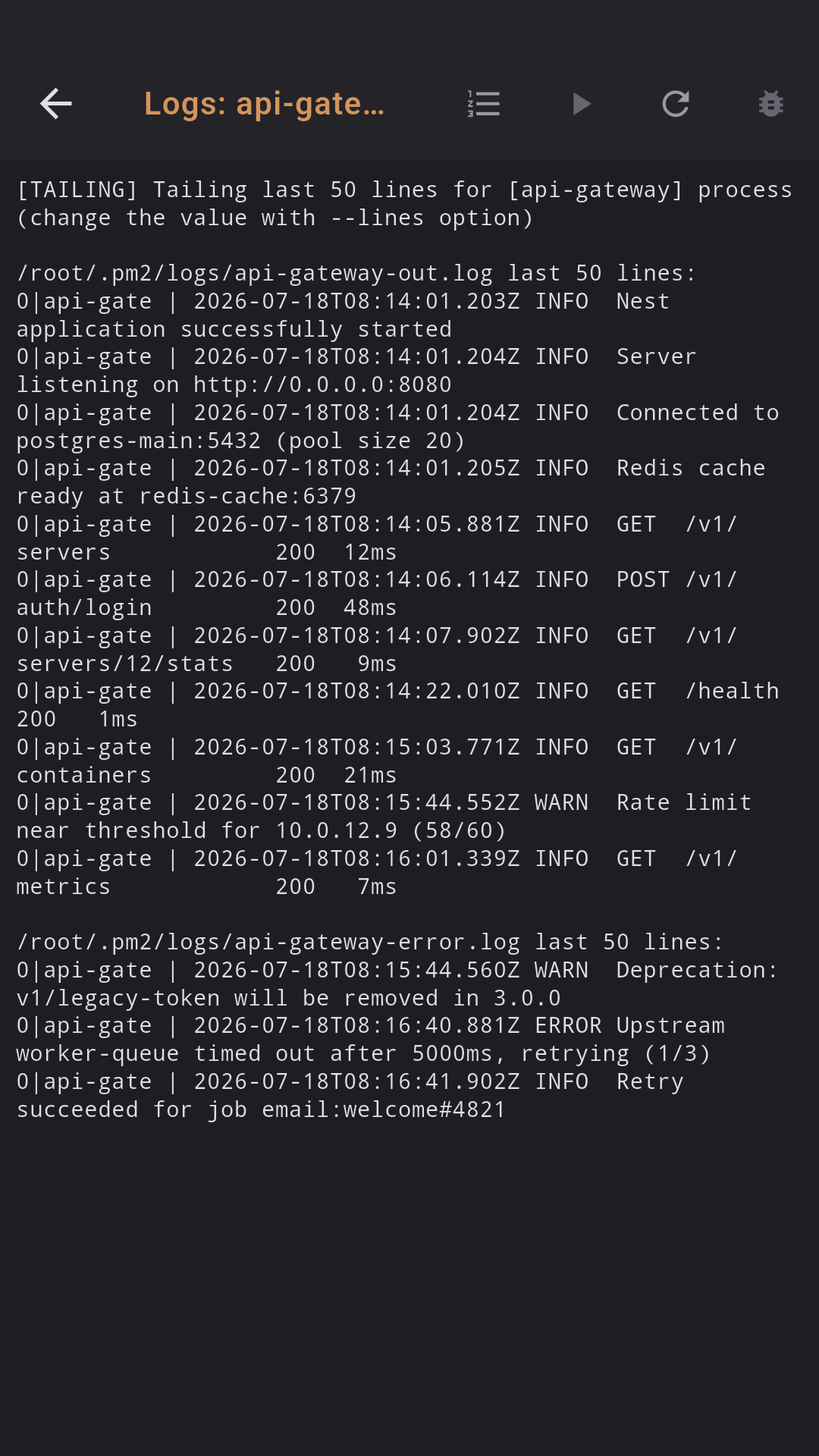
PM2 process management with full control. Process list with CPU/RAM/uptime, start/stop/restart/reload actions, real-time logs.
- Status: online / stopped / errored
- CPU%, memory (MB/GB), restarts
- Reload (graceful, zero downtime)
- Logs: auto-refresh every 3s, process picker
📊
Usage stats
See how much you use Dagon AI voice — recordings and audio seconds, broken down by 24h / 7d / 30d / 90d.
- Recordings & total audio time
- Trends per period
- Crashlytics + Analytics + Performance
⌖
Command palette
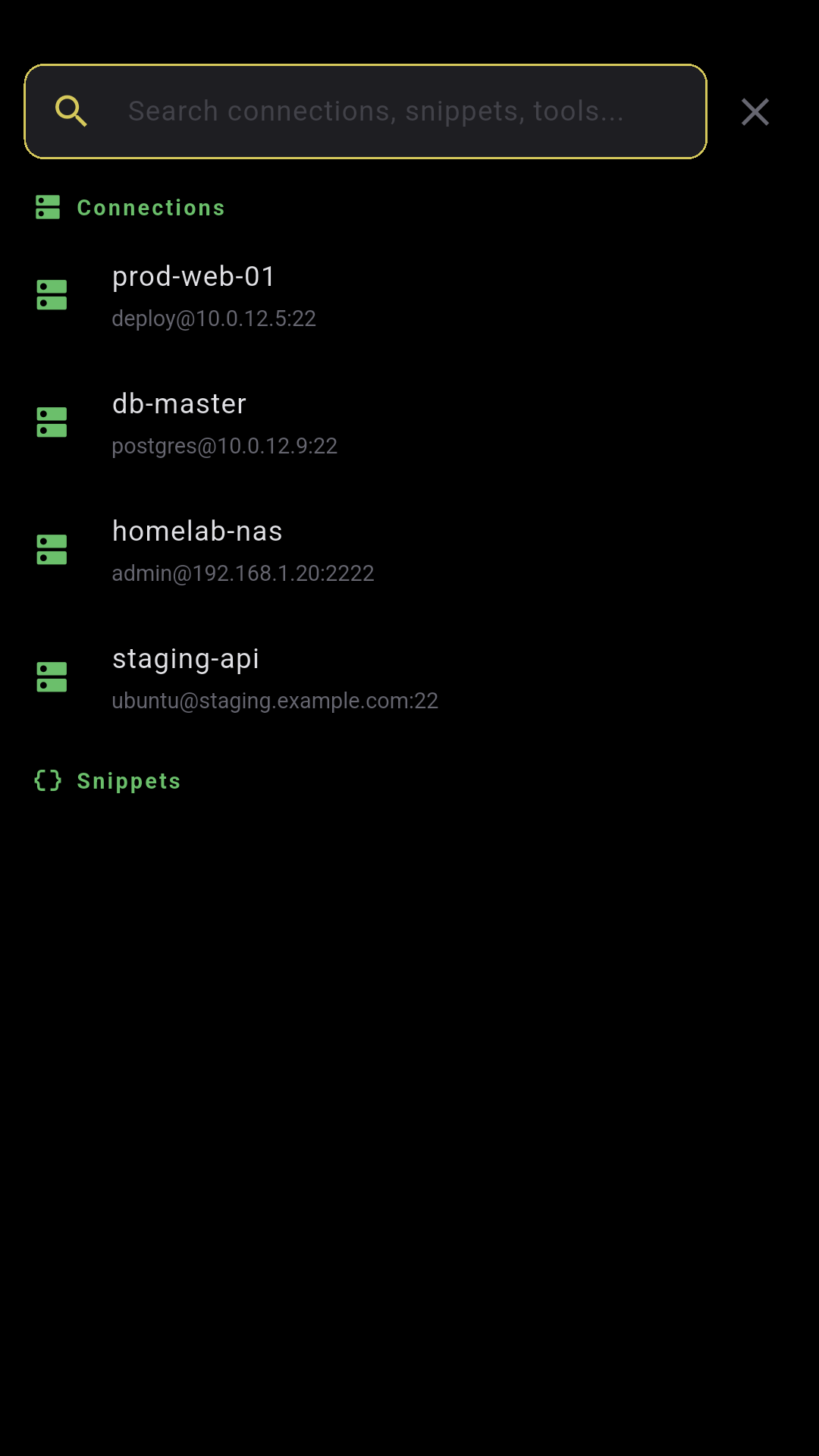
Quick-access palette to jump to any tool — git, docker, pm2, sftp, monitoring, snippets, command history and more.
- Search tools by name
- Snippets & connections included
- Works great with a hardware keyboard
🔗
Backend auto-failover
Primary + fallback backend with automatic health probe. If the VPS is down, the app switches to the local tunnel seamlessly.
- Asymmetric TTL (30s primary / 5s fallback)
- Firebase Remote Config for server list
- Transparent to the user
❌
Cancel recording
Recording audio and changed your mind? A floating X button appears above the toolbar — tap to discard without transcribing.
- Floating cancel button during recording
- Discards audio, no transcription sent
- Works for both voice & AI command mic