How to keep an SSH session alive on Android
tmuxmoshterminalandroidssh-client
Here is the moment every Android SSH user knows. You connect, start a build or a long apt upgrade, lock the phone and put it in your pocket. Two minutes later you look again and the session is dead, the command is gone, and you have no idea whether it finished.
There are two separate reasons this happens, and they need two separate fixes:
- Android kills apps in the background to save battery, so the connection gets reaped the moment the screen goes off.
- SSH runs over a single TCP connection, and TCP does not survive your IP changing. Walk from WiFi to mobile data and the socket is simply gone.
Dagon SSH deals with both, in layers. You do not have to set any of it up, but it helps to know what each layer is doing.
Layer one: the app stops getting killed
While a session is open, Dagon runs an Android foreground service. That is the same mechanism a music player uses to keep playing with the screen off, and it is why your connection keeps breathing when you lock the phone or switch to another app. No service, and Android would reap the terminal in seconds. With it, the session is still there when you come back.
Layer two: it reconnects itself
When the link does drop, a tunnel, a lift, a dead spot on the train, Dagon reconnects on its own. Up to five attempts, backing off between each one (one second, two, four, then eight), so a brief blip recovers almost instantly and a longer outage keeps retrying without hammering the server.
The important detail: this only fires when the drop was not your doing. If you close the session yourself, it stays closed. It is auto-reconnect, not a session that refuses to die when you actually want it gone.
Layer three: tmux, where your work actually survives
Reconnecting gives you a fresh shell. On its own that is not enough, because the thing you were running was tied to the old one. This is what tmux is for, and Dagon leans on it hard.
If your server has tmux, Dagon notices and re-attaches to your session on reconnect, so your shell, the program you had running and the scrollback are exactly where you left them. From the tmux dialog you can attach, detach or kill sessions without typing the commands. Practically it means you can start something big, lose signal entirely for ten minutes, and pick it up mid-flight when you are back.
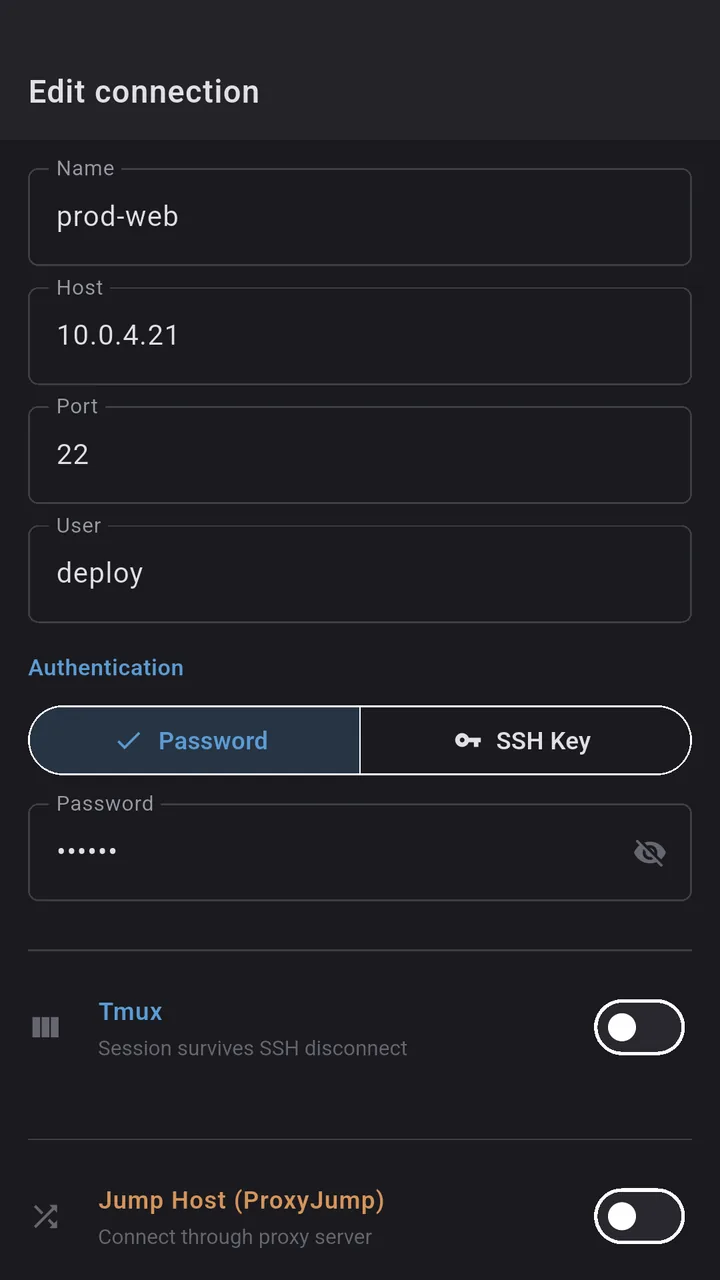
If you only take one habit from this post: run tmux on the server before the long job. Everything else in Dagon is built to make that habit pay off.
The top tier: Mosh, if your server has it
Mosh is the proper answer to the roaming problem, and Dagon supports it. If the server has mosh-server installed, Dagon upgrades the connection to Mosh, which was designed from the start to survive a changing IP and long sleeps. Move from WiFi to mobile data and it rebinds instead of dropping. It is the smoothest of all the options, the only catch being that the server needs mosh-server, which not all of them do. When it is there, Dagon uses it. When it is not, the foreground service, auto-reconnect and tmux carry the load.
Bonus: know the second it finishes
Half the reason people babysit a long command is not the connection, it is not knowing when it is done. Start something slow, lock the phone, and Dagon sends you a heads-up notification when the command finishes, with the directory it ran in, and a tap drops you straight back into that terminal. There is a subtle haptic buzz too when a long-running command settles, so you feel it wrap up without even looking.
What you actually need to do
Almost nothing:
- Auto-reconnect is on by default. Nothing to enable.
- tmux just needs to be installed on the server. Run
tmux(ortmux attach) and Dagon handles the rest. - Mosh just needs
mosh-serveron the server. If it is there, Dagon takes it automatically.
Where to get it
Dagon SSH is on Google Play. The terminal, tmux handling and reconnection are part of the free app, no time limit.
If your sessions still drop somewhere this post did not cover, tell me the setup. The reconnect backoff and the tmux auto-attach both got tuned from people describing exactly when and how they lost a session.